
With the start of the new year, we’re introducing a new set of updates across the Ads Manager and the Creative Builder, designed to add clarity, control, and flexibility to your campaign workflows.
New Dashboard Overview
The dashboard now includes a new summary panel in the top-right section, providing an immediate overview of all your campaigns grouped by key metric.
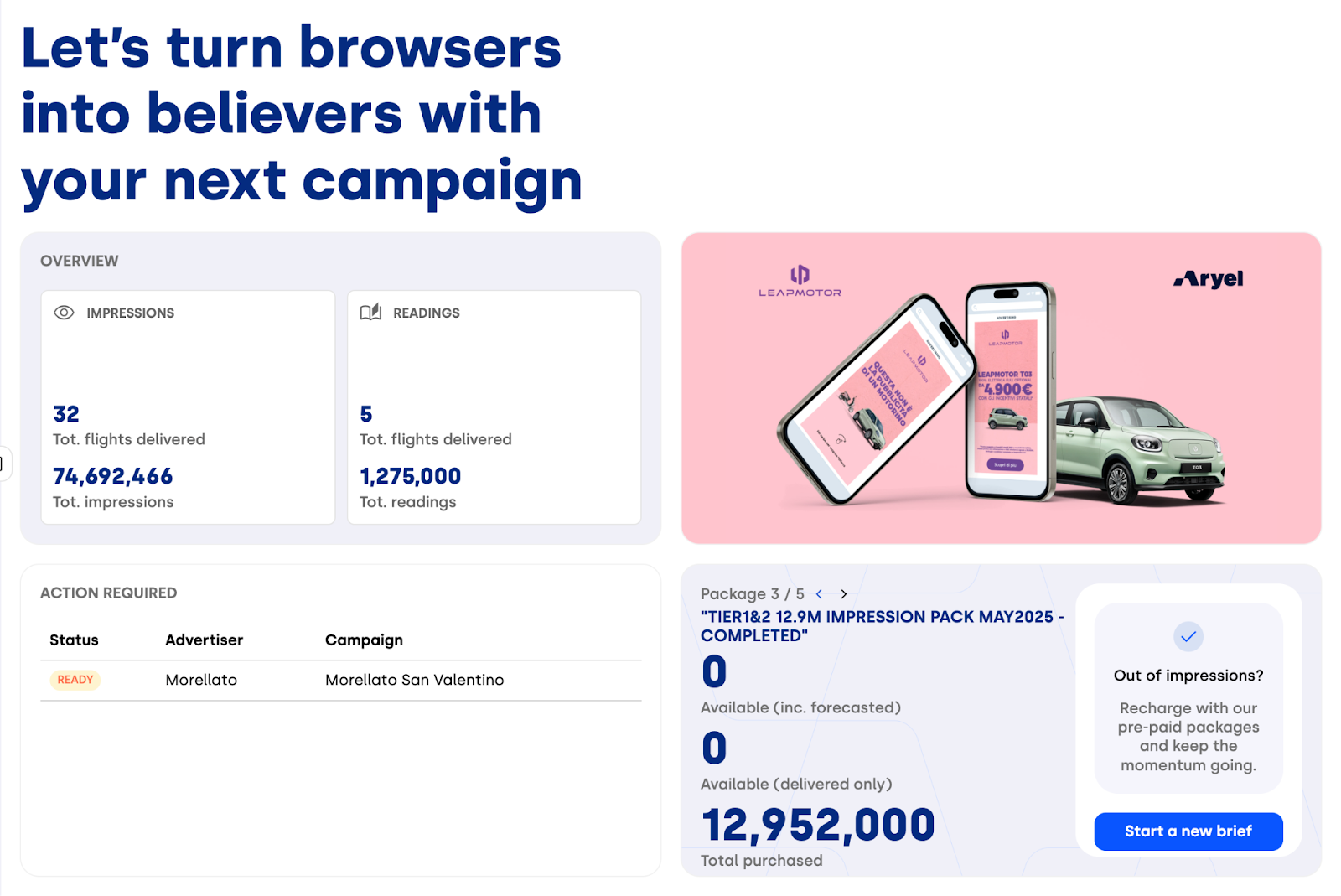
For each metric, you can quickly see the total number of flights and the aggregated performance values, including total impressions, readings, or clicks.
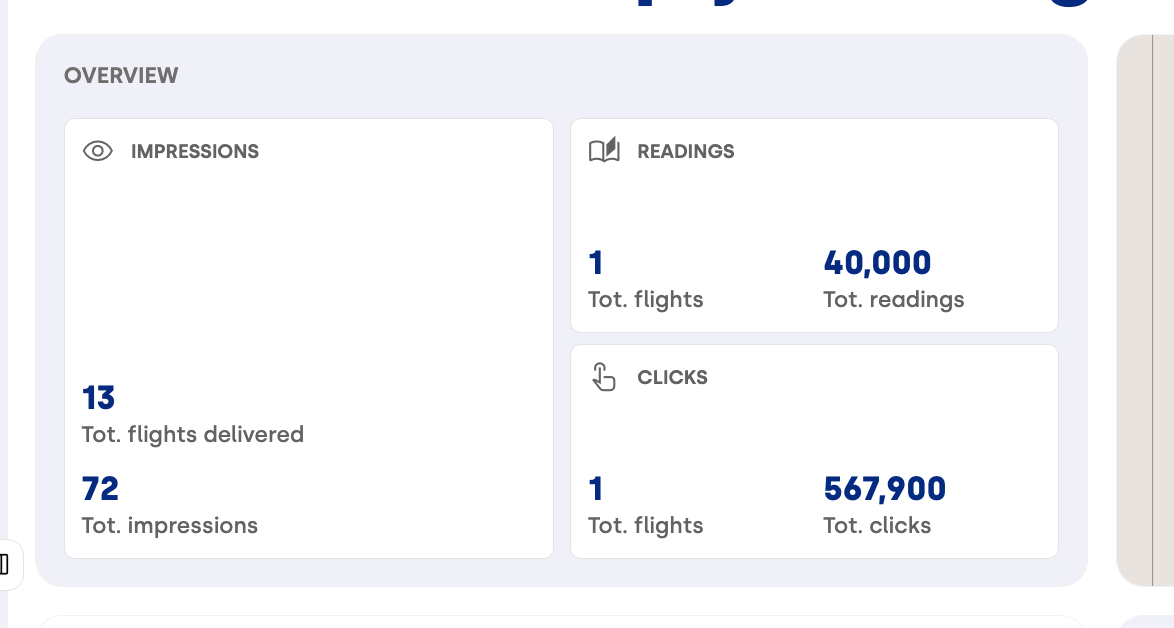
This overview makes it easier to assess campaign activity and performance at a glance, without navigating through multiple pages.
Advanced Geo Targeting
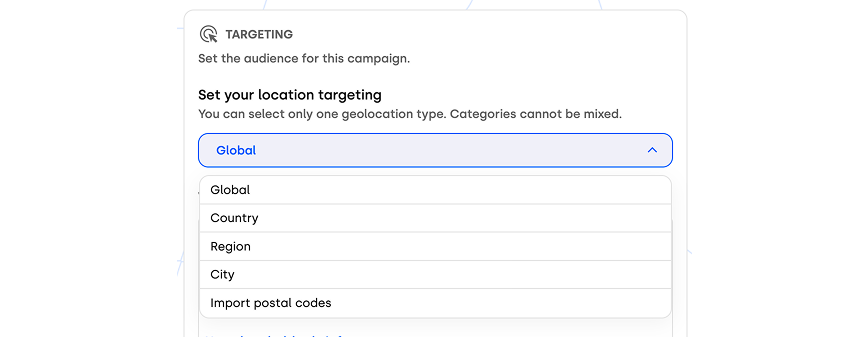
For users on the Self-Service Full Activation – Direct plan, campaign creation now supports a much more granular geo-targeting setup. You can choose between multiple geographic levels — Global, Country, Region, City, or Postal Code — allowing you to align targeting precision with your specific campaign objectives and reach the most relevant audience.
New Builder Components
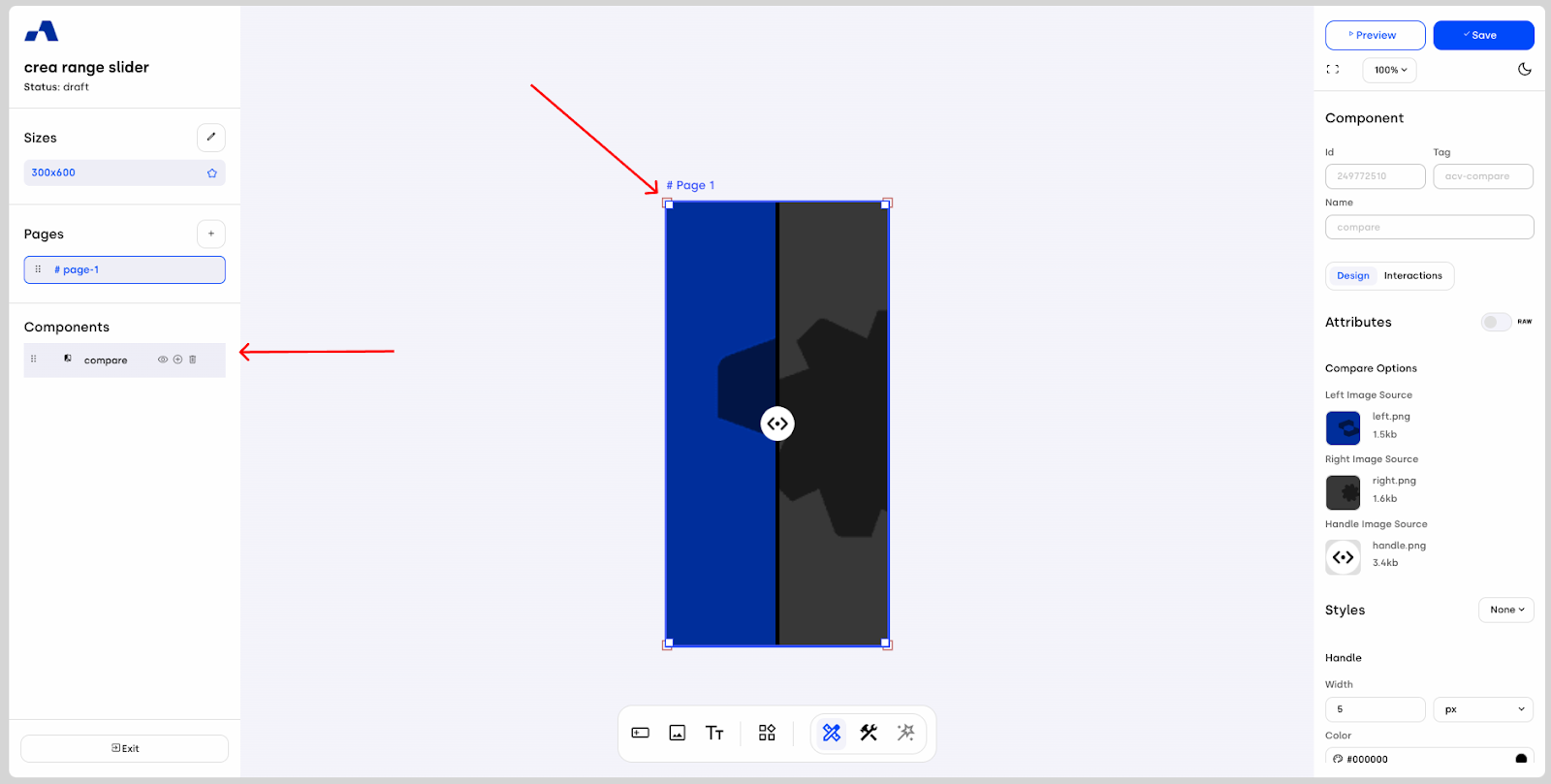
In January, we also expanded the Creative Builder with several new components designed to unlock more interactive and engaging ad experiences. The new Compare component allows users to visually compare two images by dragging a cursor from left to right, making it ideal for before-and-after scenarios or product comparisons.
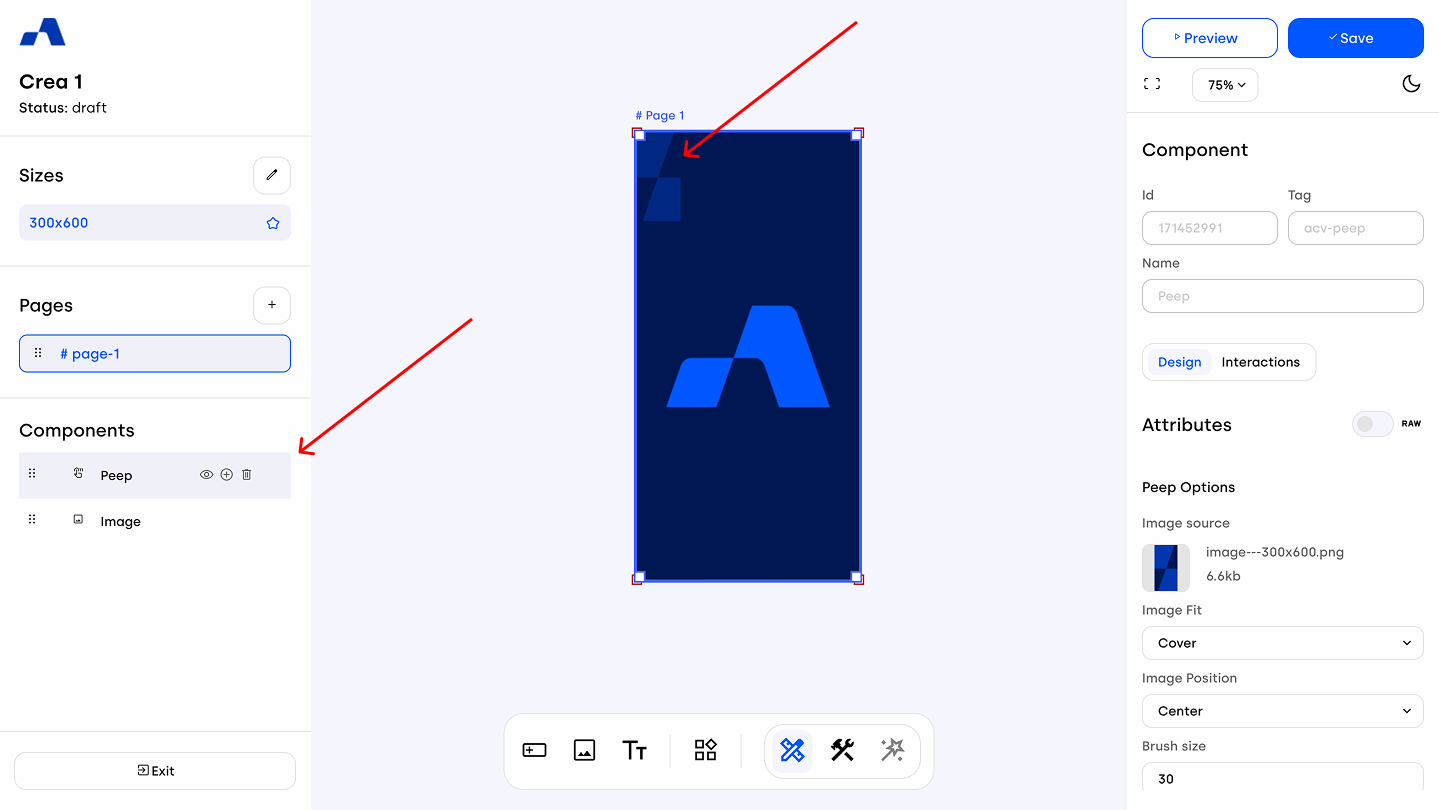
The Peep component introduces two different interaction modes: you can either build a scratch-style creative with a removable cover that reveals the underlying content, or create a lens-based experience that lets users peek at what lies beneath.
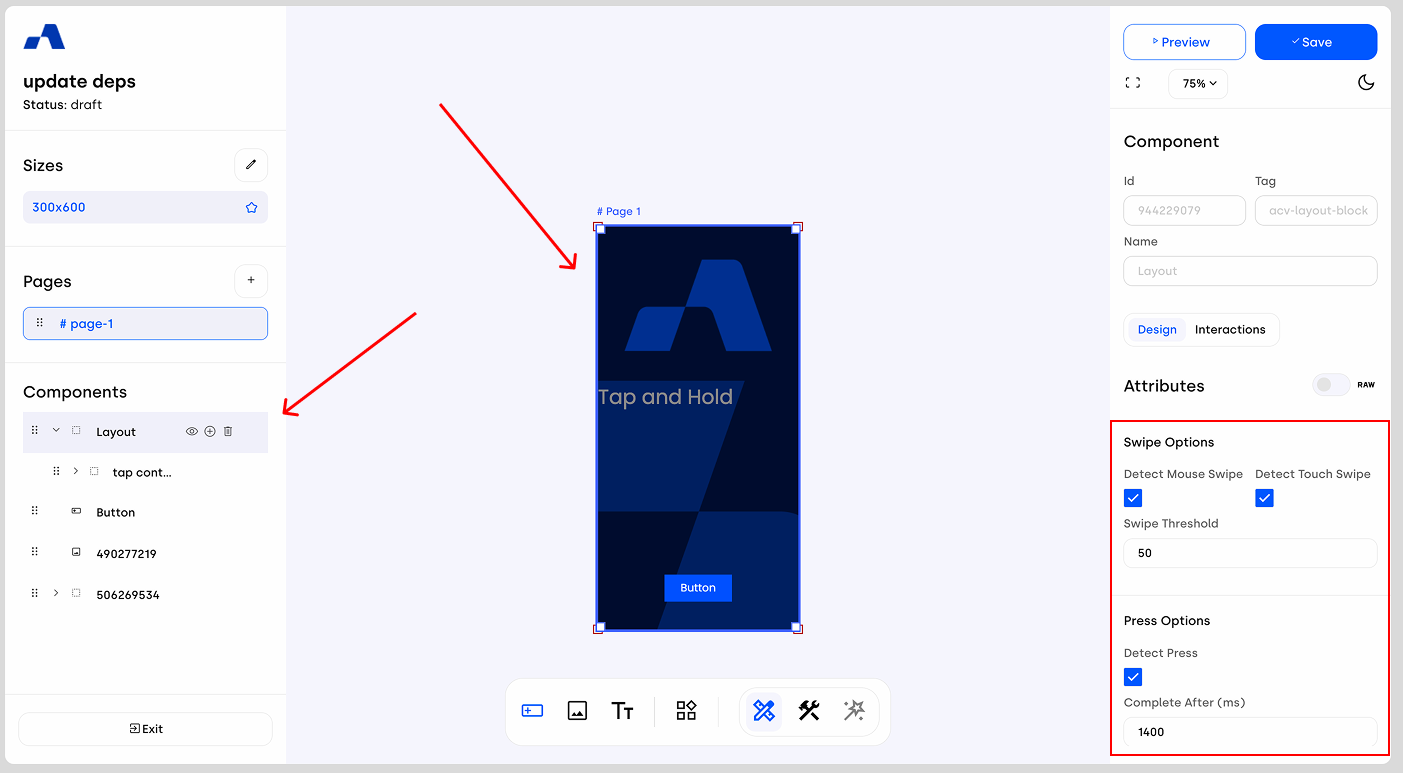
We also enhanced the Layout Block with new attributes that enable tap-and-hold interactions, opening up additional ways to design layered and interaction-driven creatives.
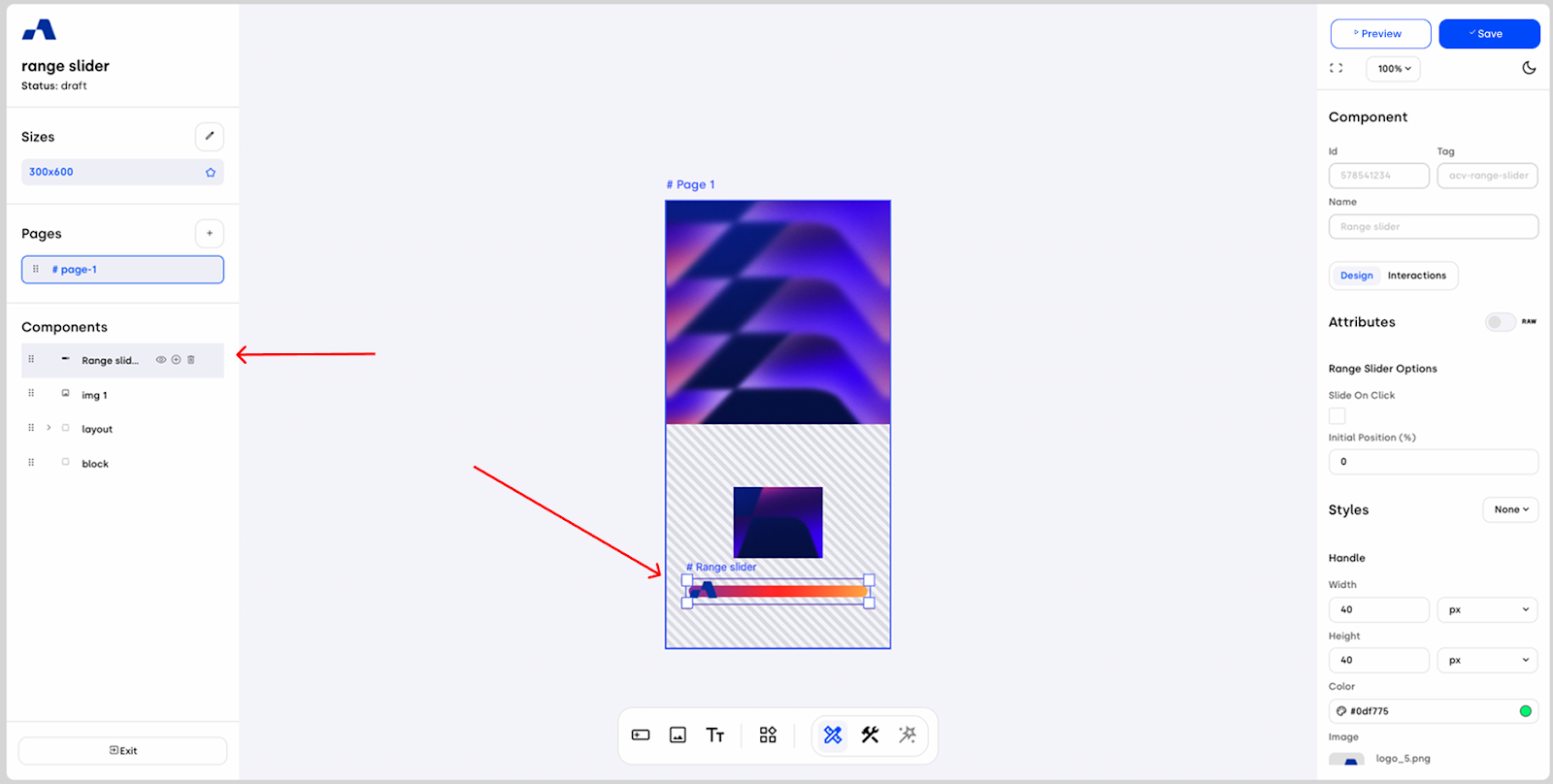
Finally, the new Range Slider component allows you to create even more dynamic experiences through a progress bar that responds to user input, triggering different creative states, animations, or variations as users interact with the slider.
With these updates, you can benefit from more informative dashboards, more precise targeting options, and a set of powerful new components designed to help you build richer, more interactive creatives. Stay tuned for the next updates.