
The Range Slider is a highly versatile component designed to act as an interactive progress bar within your creative. As users interact with it, different creative states or behaviors can be triggered along the way. It can be used, for example, to move a component forward and backward dynamically based on user input.
Adding a Range Slider Component
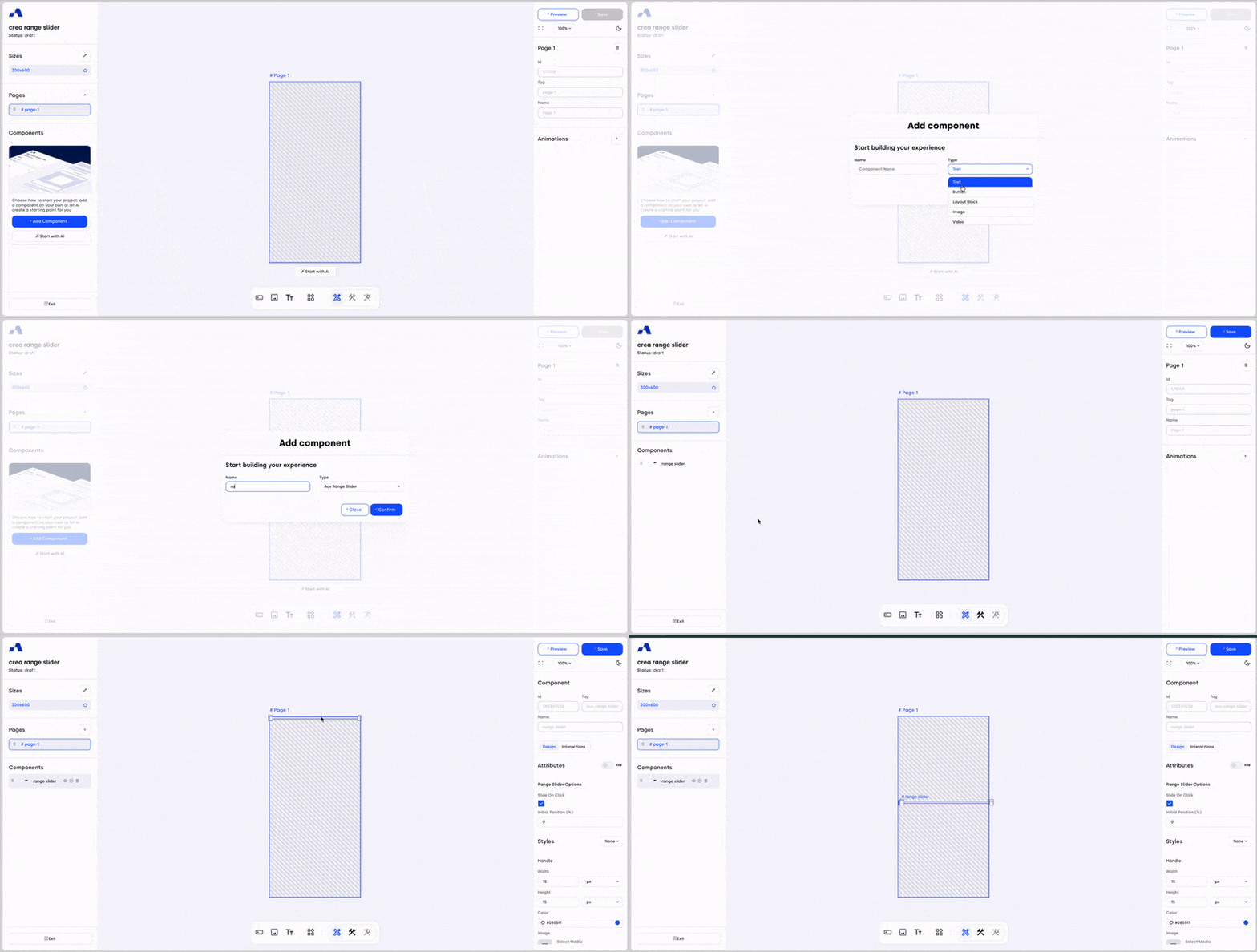
You can add the Range Slider component in two different ways:
From the left sidebar, click the + Add Component button, select Range Slider from the type dropdown, and assign it the desired name.
From the central toolbar, click the Range Slider icon and place the component directly onto the page by clicking inside the canvas.
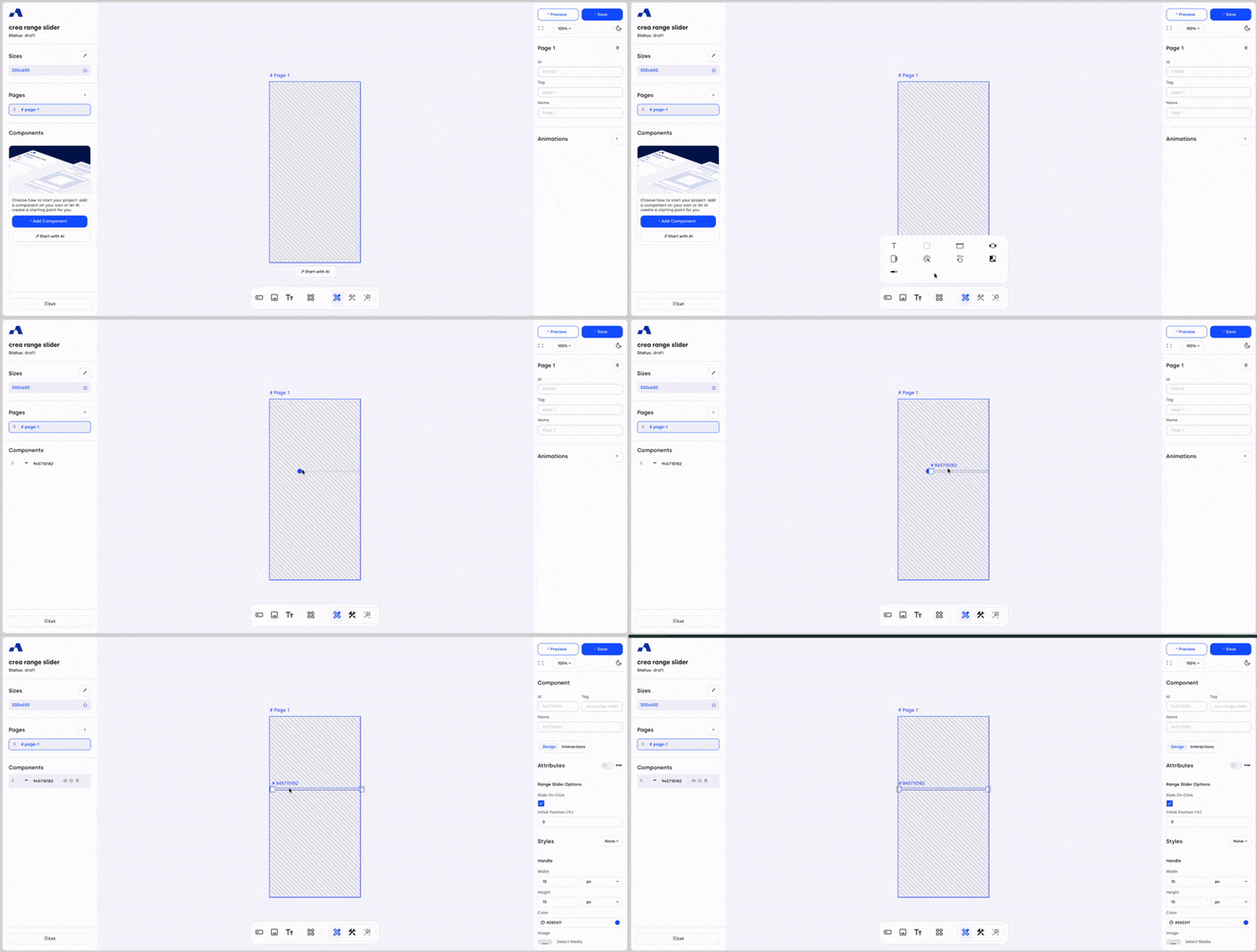
Once added, the Range Slider component will appear in the Layers section and can be selected and configured like any other component.
Right Sidebar Configuration
When the Range Slider component is selected, the right sidebar updates to display settings dedicated specifically to this component.
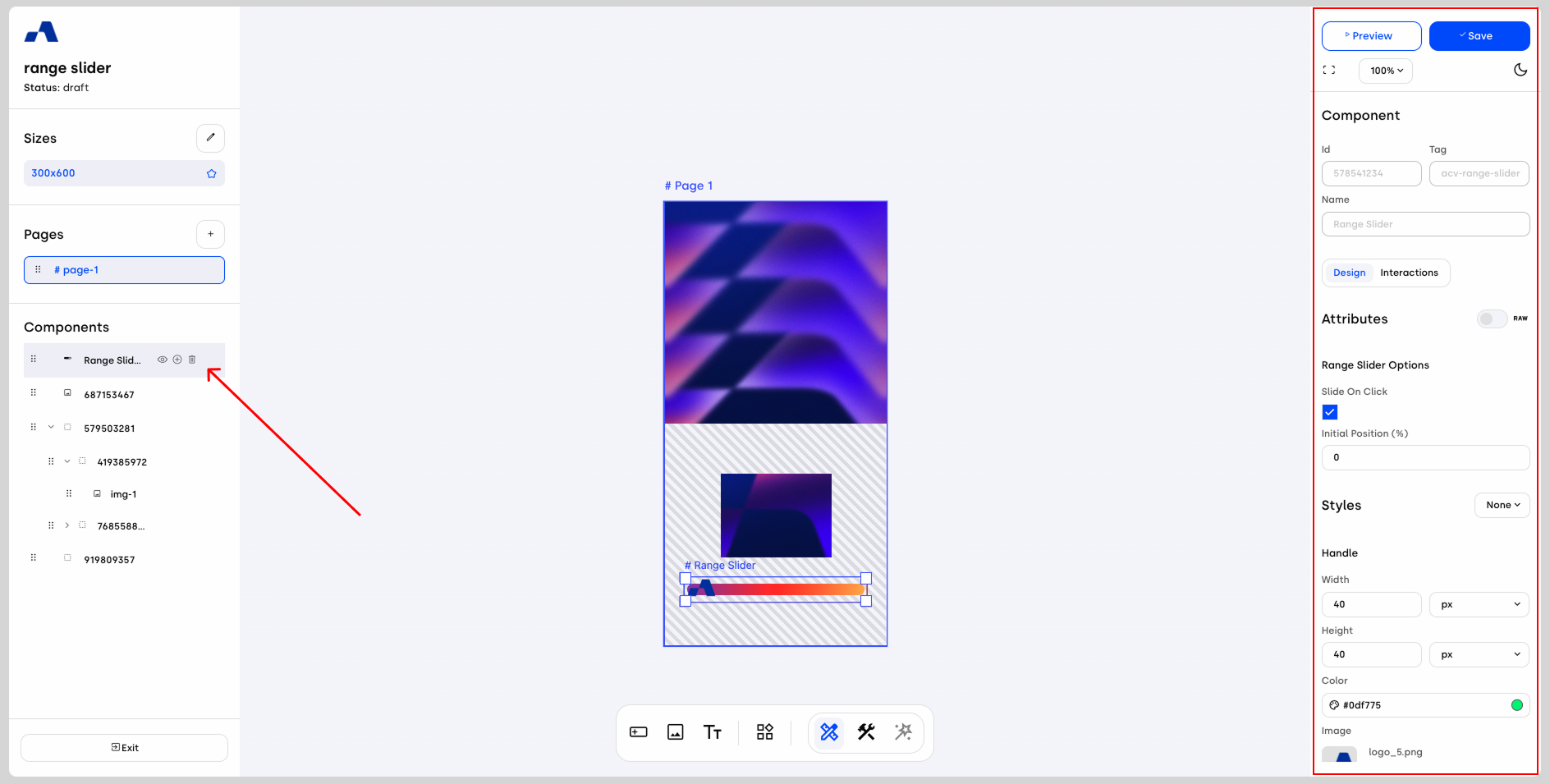
Design Tab
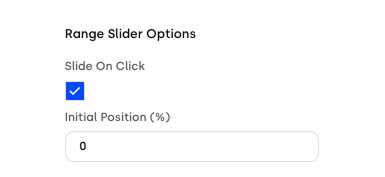
Range Slider Options
Slide on Click – When enabled, the handle can be moved by clicking directly on the progress bar, allowing instant positioning without dragging.
Initial Position (%) – Defines the starting percentage of the handle before any user interaction occurs.
Styles Section
Within the Styles section, the first subsection is Handle, where you can customize the handle’s appearance by defining its image, size, color, and cursor shape.
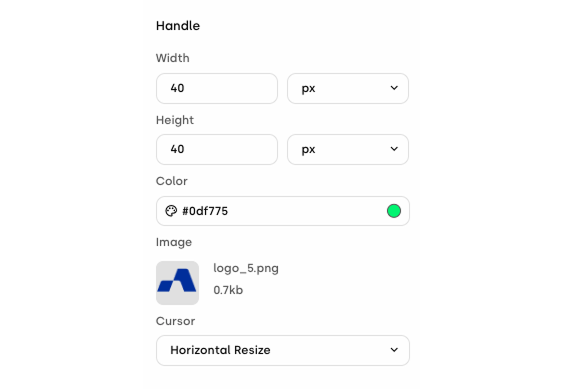
Below this, you can adjust the overall visual styling of the progress bar itself, ensuring it aligns with the look and feel of your creative.
Interactions Tab
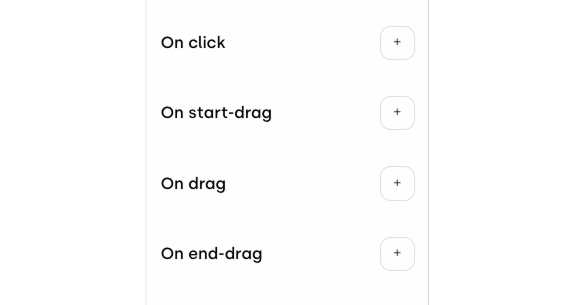
In the Interactions section, you can define how the creative responds to user interaction with the Range Slider. Here, you can set which actions or animations are triggered and specify the exact percentage points at which different interactions occur, enabling precise control over the creative’s behavior throughout the slider’s progression.
The Range Slider is a powerful tool for building highly interactive and responsive creatives. By mapping user input to visual changes or animations, it allows you to create engaging experiences that evolve dynamically as users interact with your ad.