
Yes of course! You can fully customize your launcher & loader pages and even the whole experience itself adding your brand assets, such as your logo, color palette, and so on.
As the first step, click on the "Brand" item in the navigation menu and then on Manage Brand Kits.
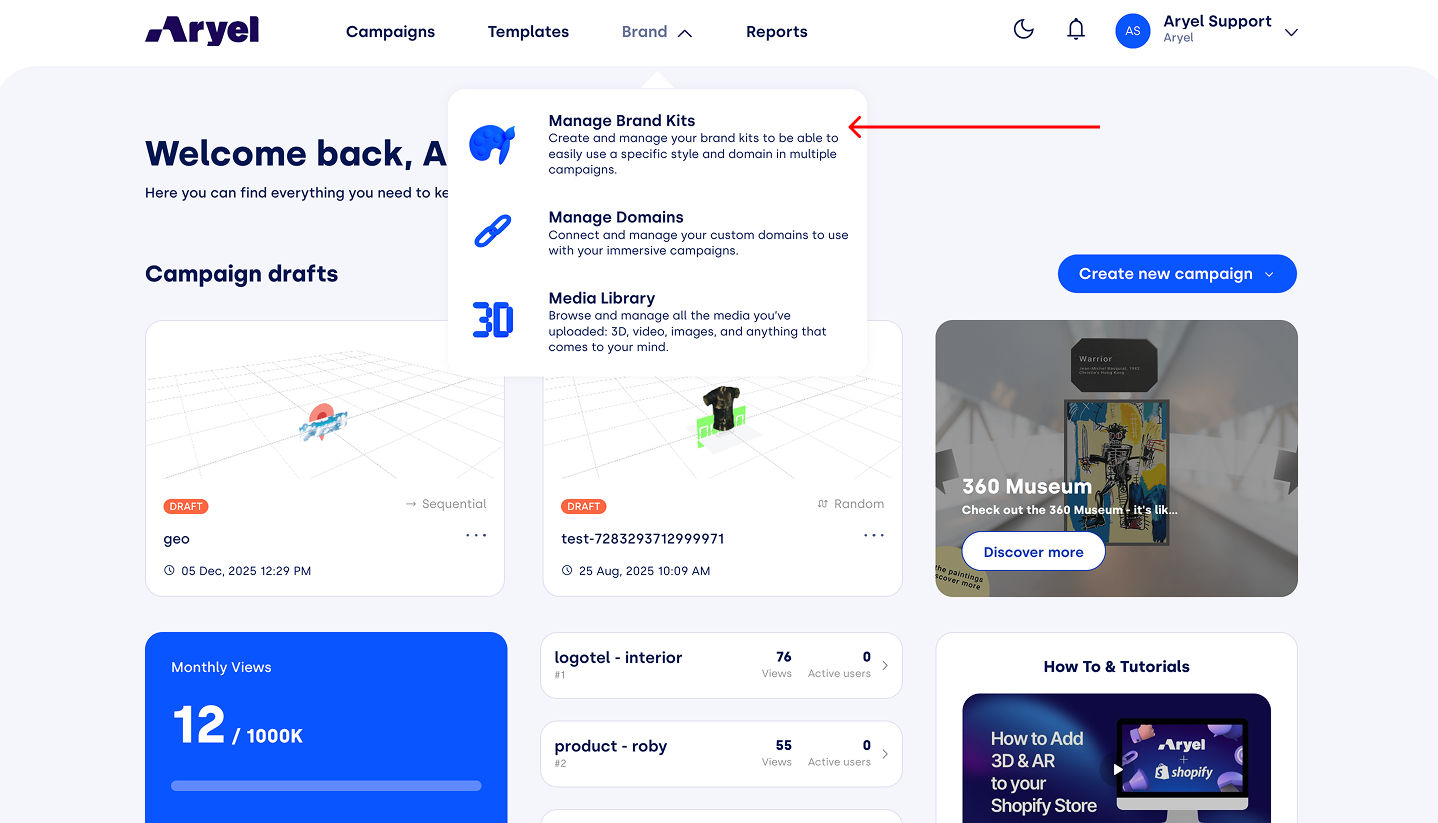
Here, you can access your style kits for customization.
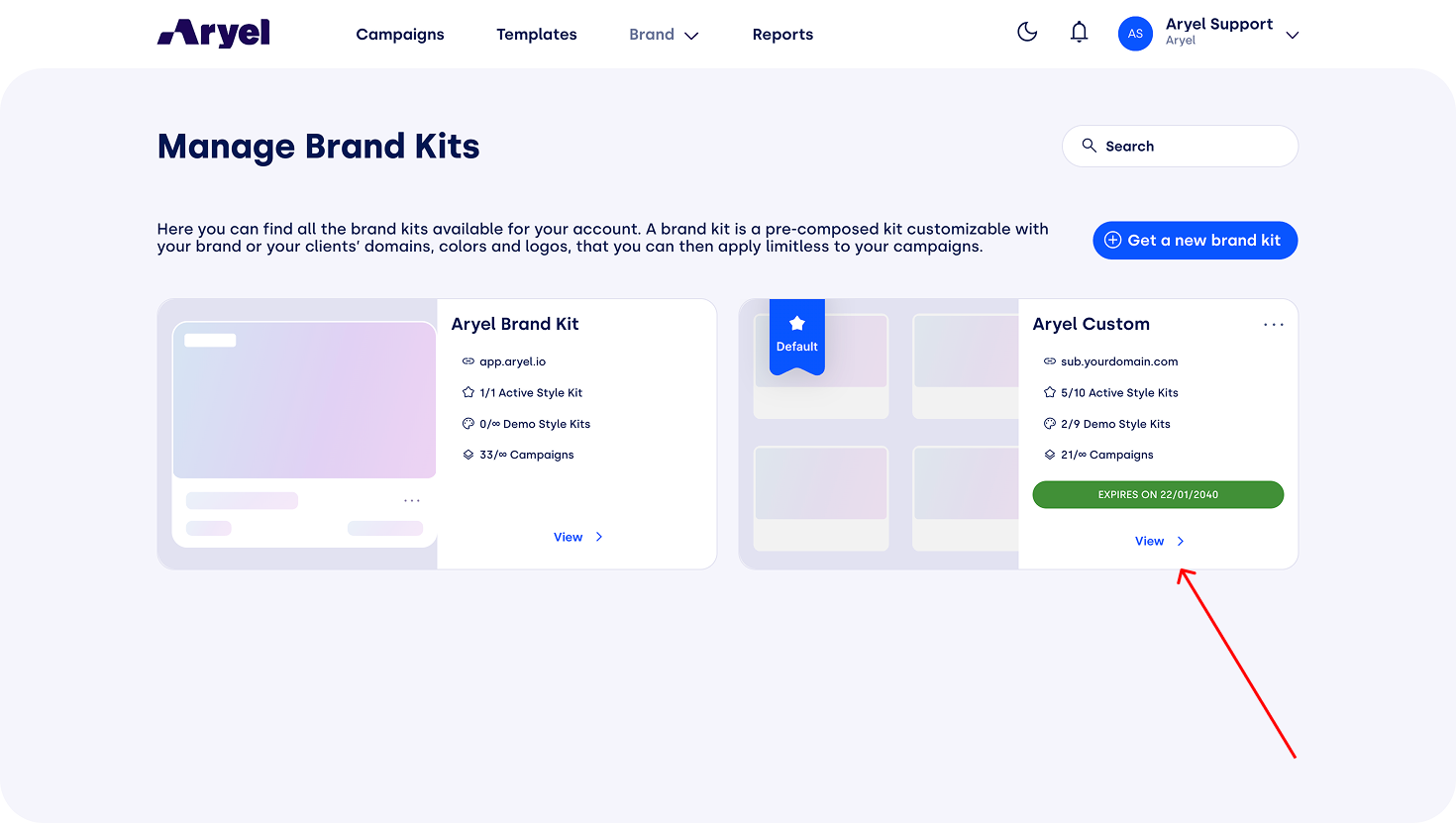
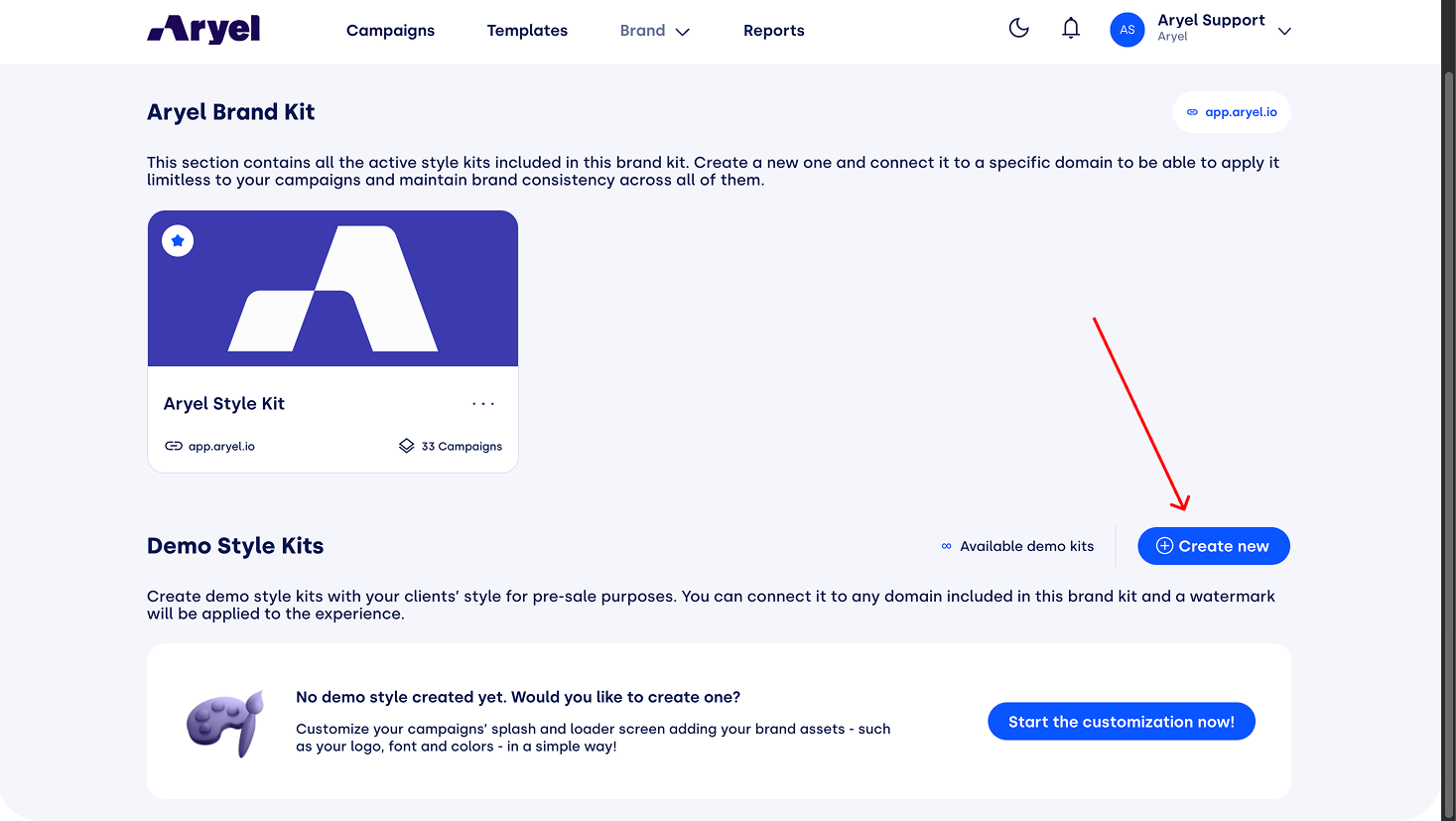
To begin, click on "Create New."
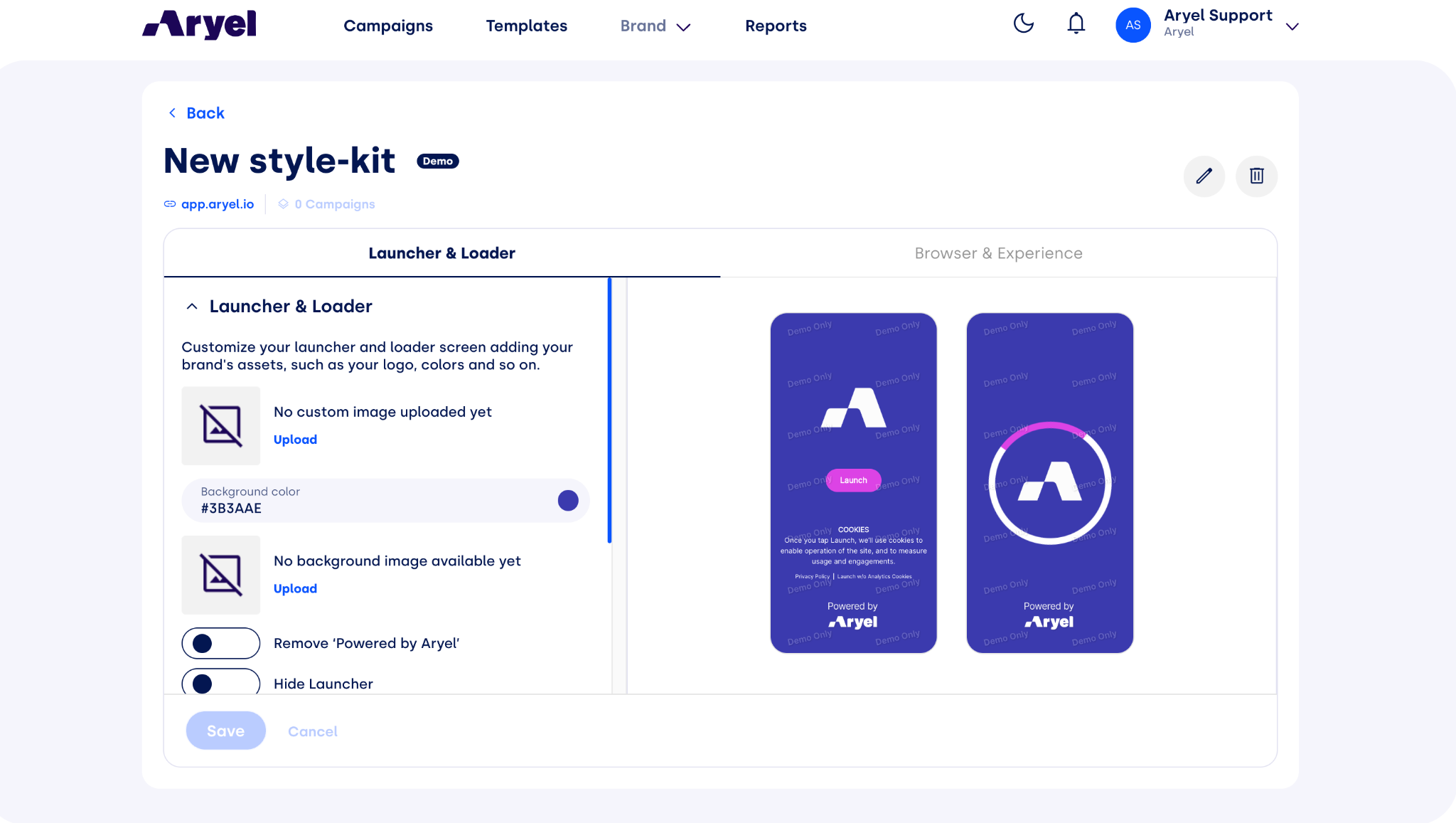
Once inside the style kit creation page, you can start by uploading the logo and background as visible on the loading page. Within this menu, you can also remove the "Powered by Aryel" element or choose to disable the Launcher entirely.
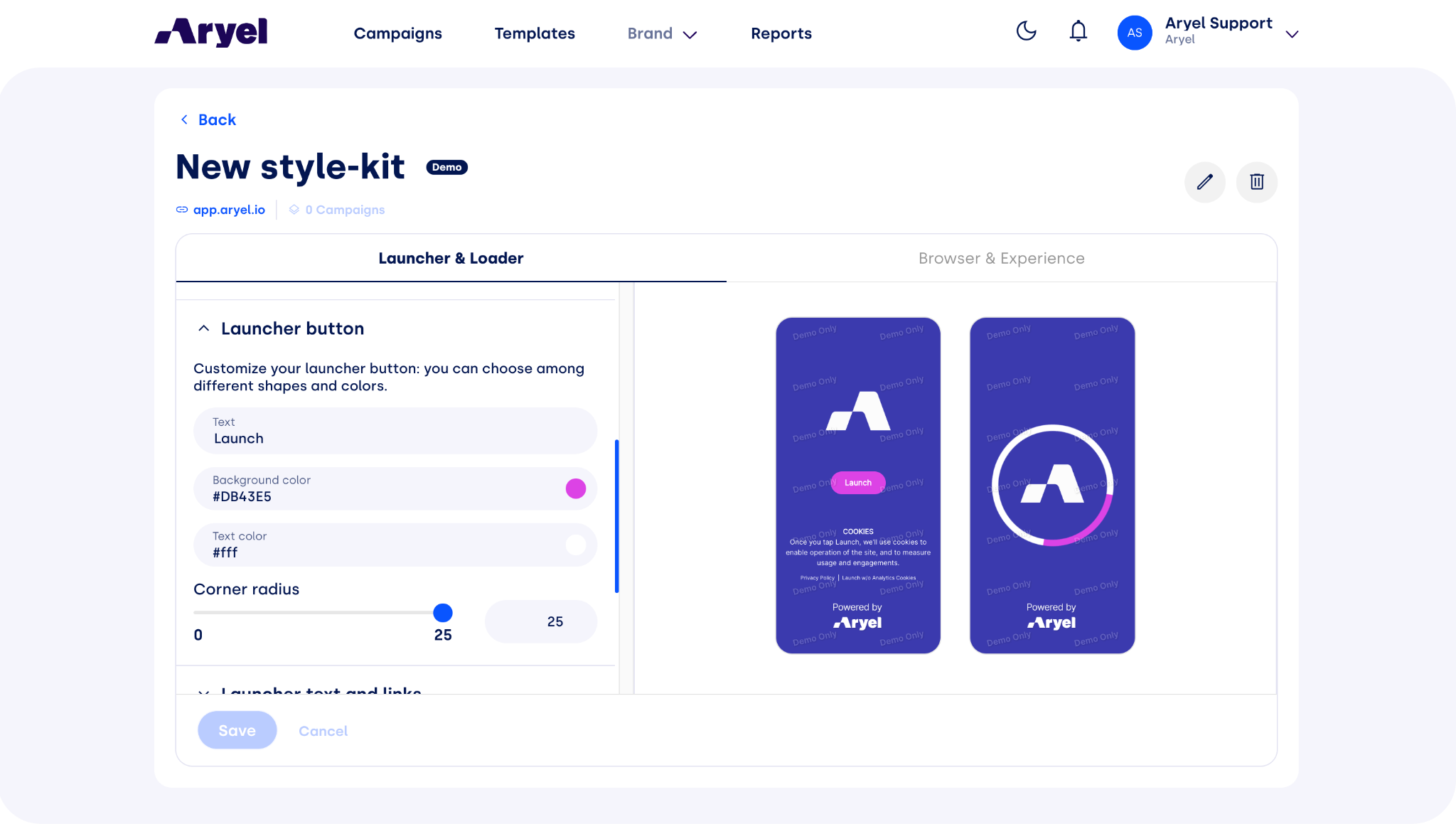
Scrolling down, you can access the screen for editing the Launcher button. Here, you can modify the text, colors, and even the button's curvature radius.
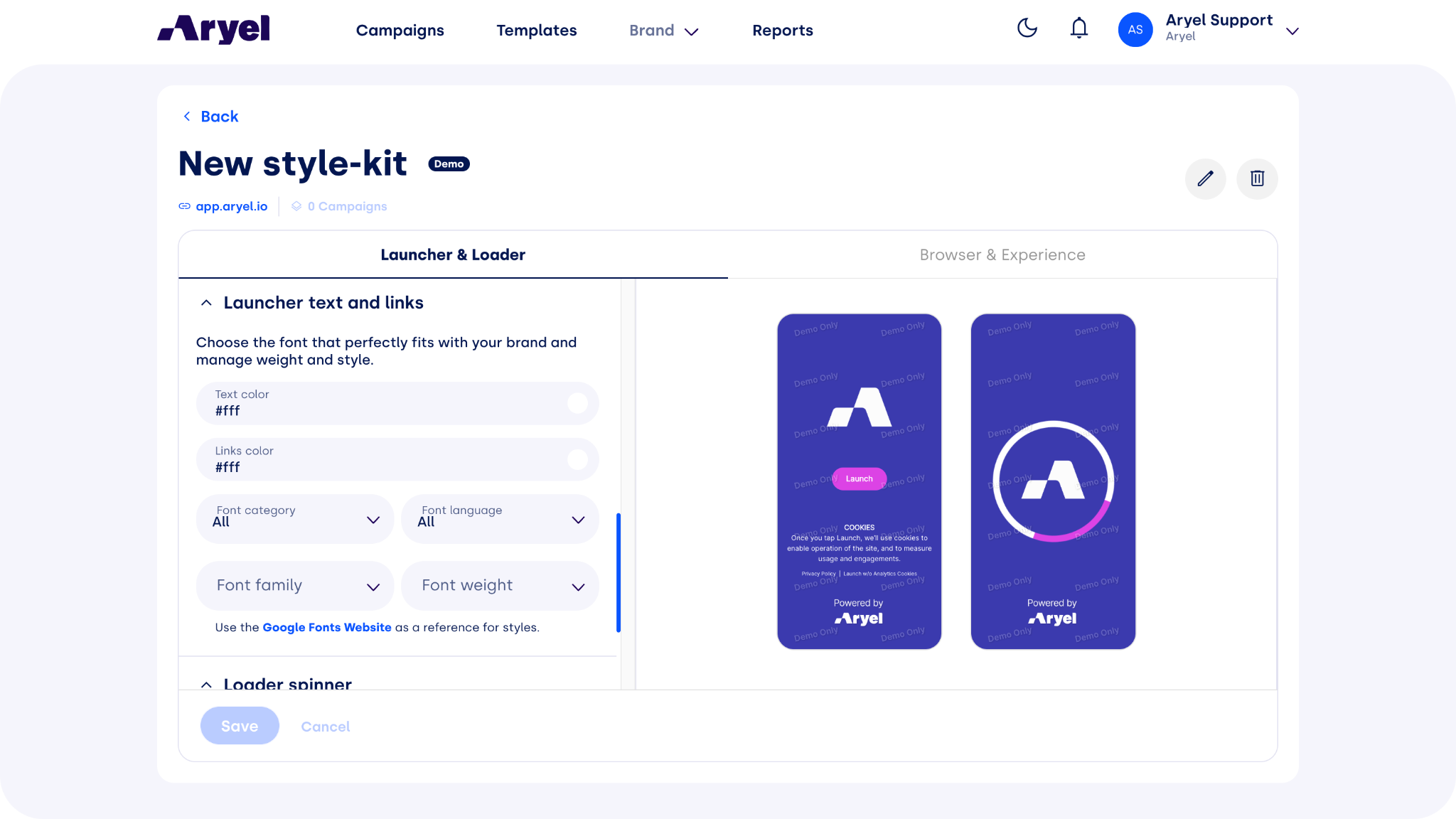
In the "Launcher text and links" menu, you can manage all the text present on the loader screen. To insert a custom privacy policy, it is suggested to read this article: How to set a custom privacy policy in Aryel?.
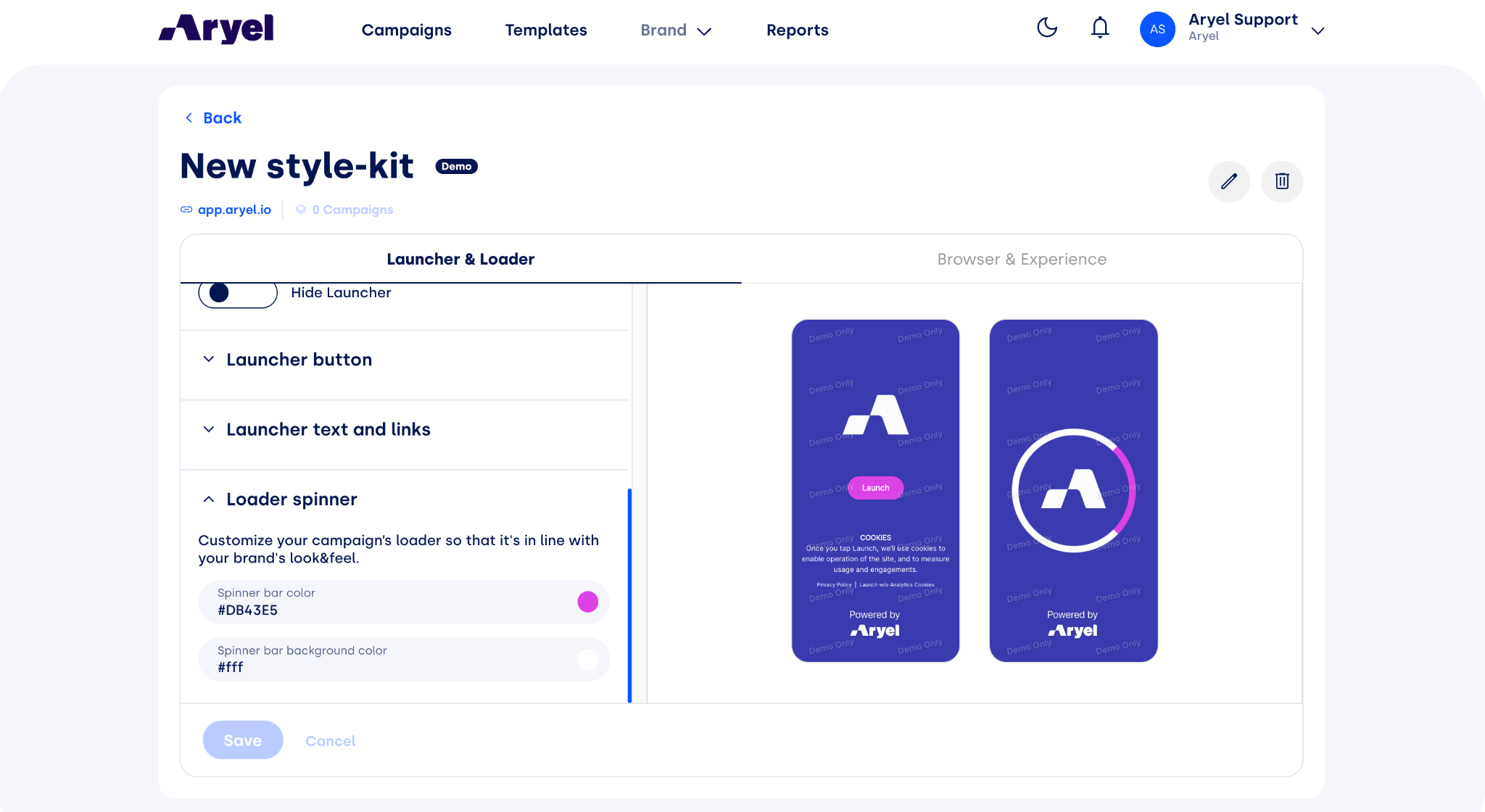
Scrolling to the bottom, you can finally adjust the spinner's colors.
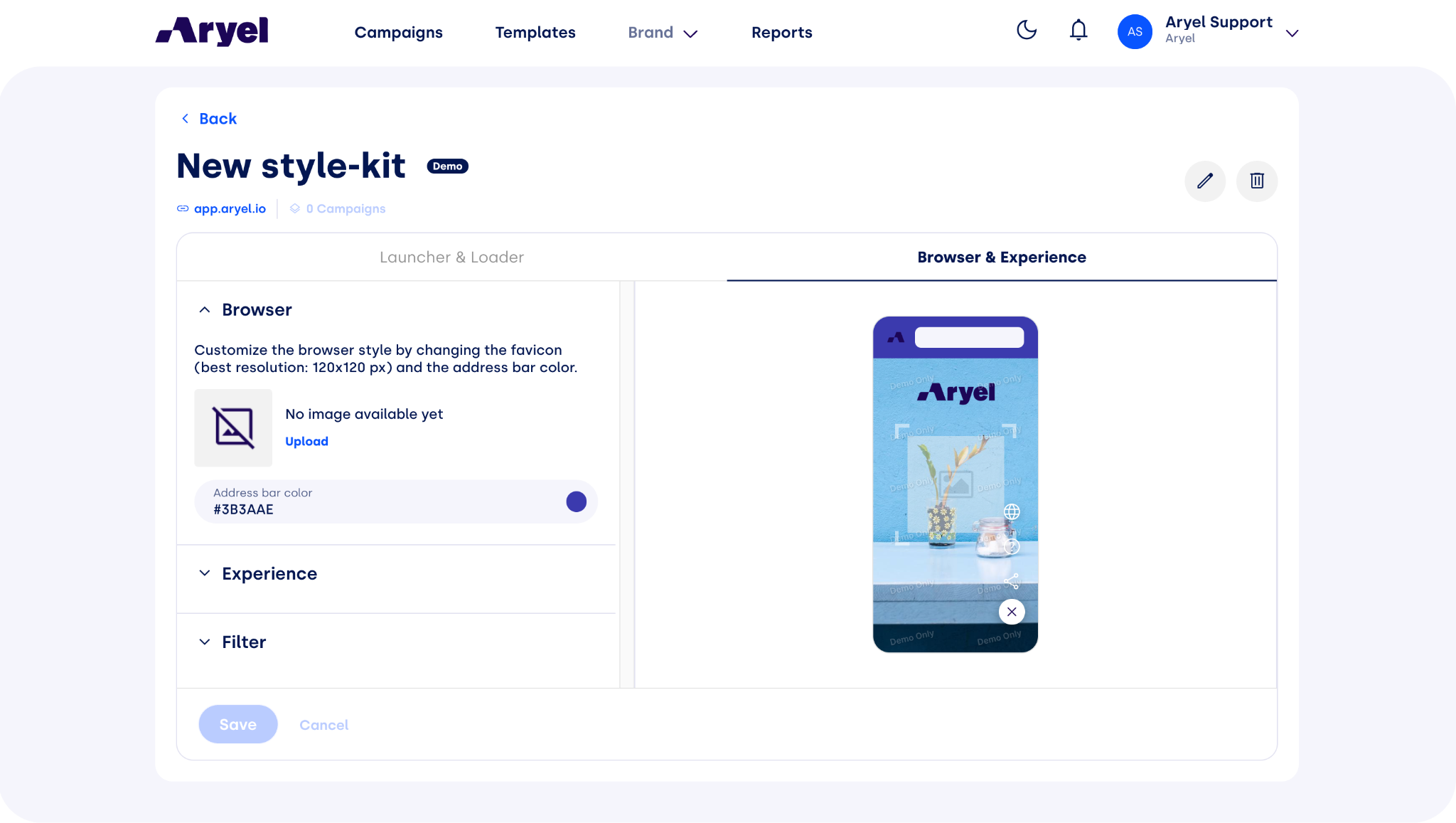
By clicking on "Browser & Experience," you can edit the elements within the experience. First, you can modify the favicon near the URL with a customized one.
Scrolling further down, you can customize all the elements on the experience screen. Here, you can insert a logo at the top of the screen, choose to enable or disable trigger previews and change the button colors in the Toolbar.
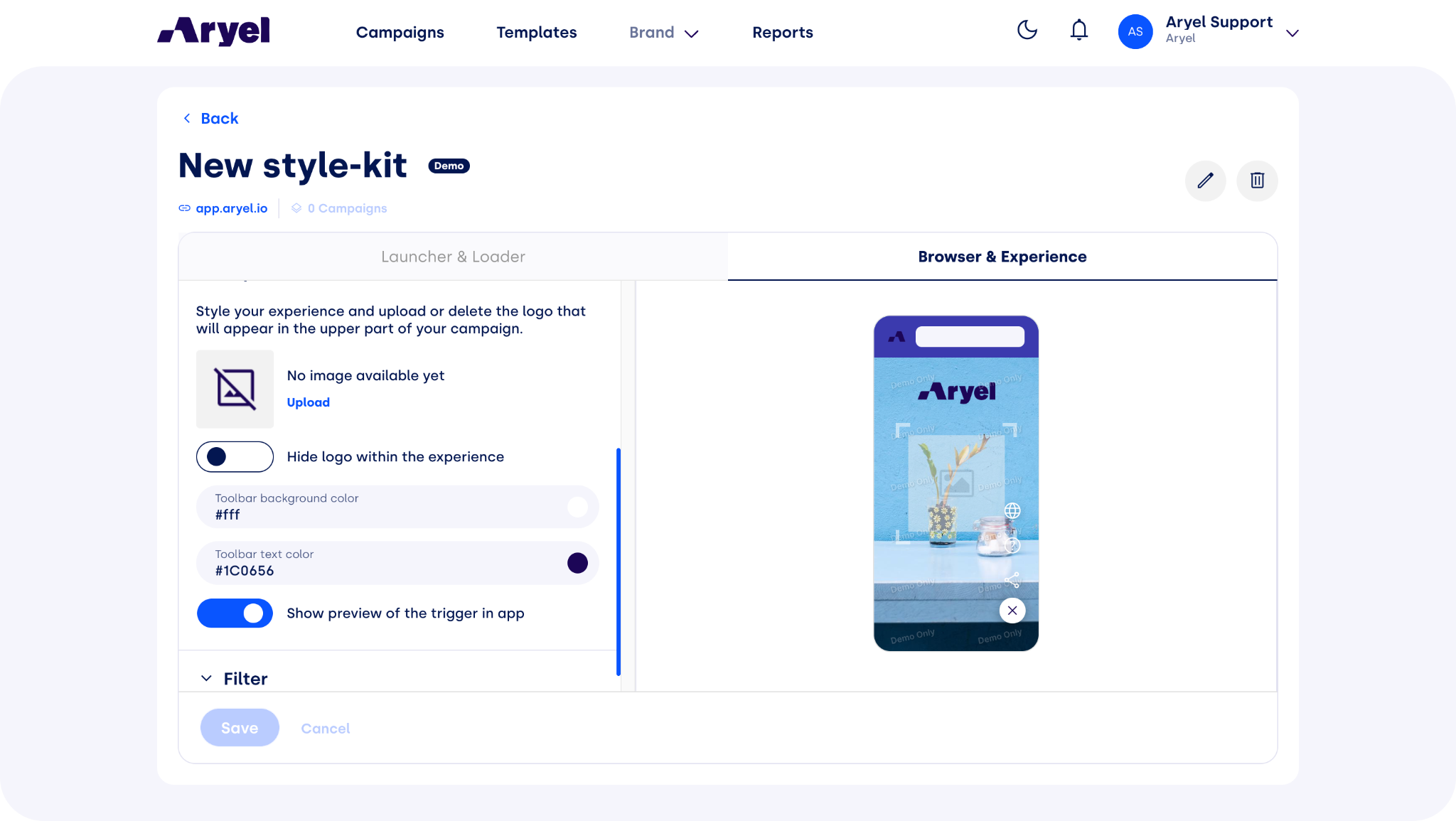
Finally, you can also apply preset filters or use advanced settings to create your own.
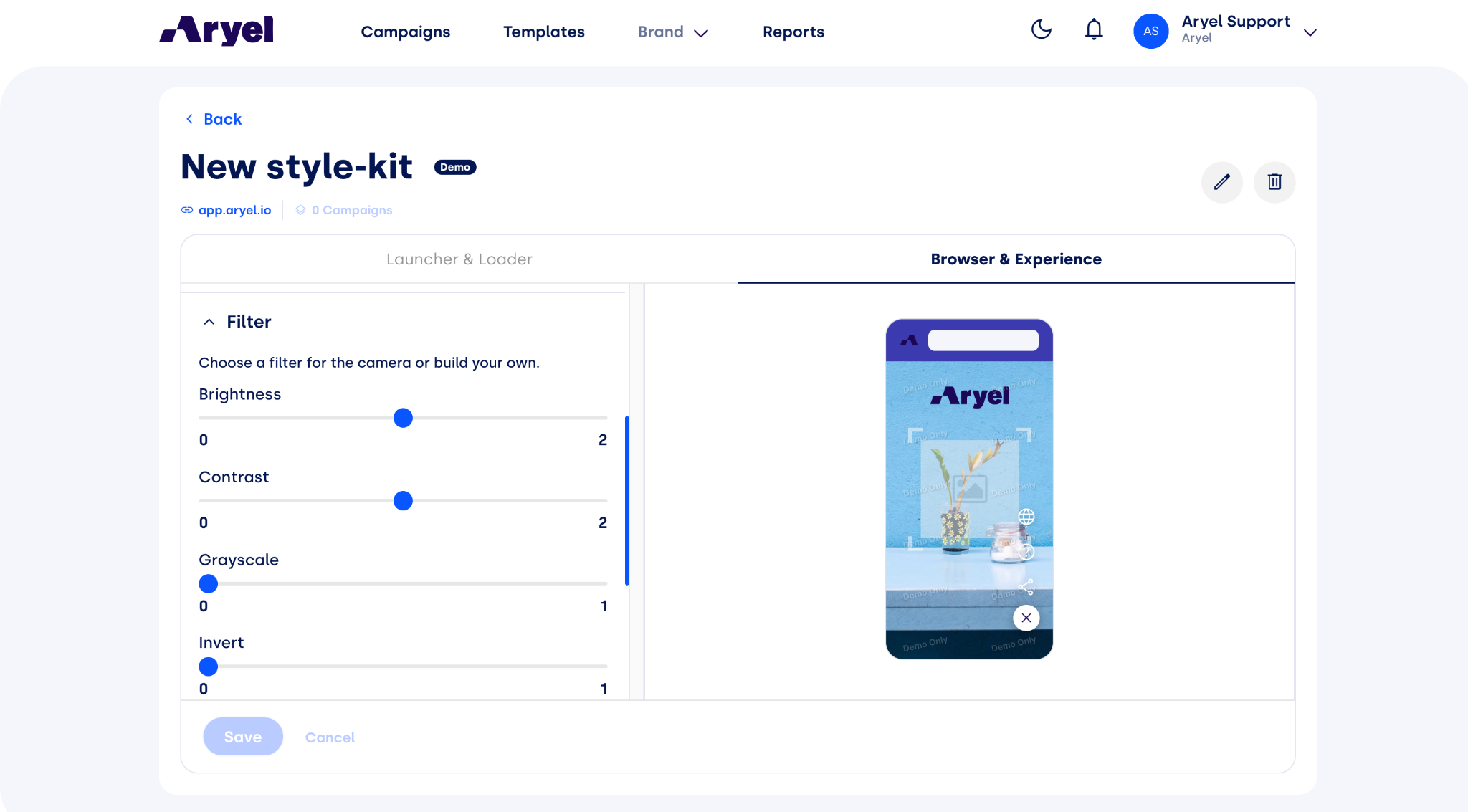
Now you know how to modify the style of your experiences; all that's left is to unleash your creativity!