
The month of March brings an exciting set of updates to both the Ads Manager and the Builder — designed to make your workflow significantly faster and simpler. From smarter tracking defaults to enhanced demo page customization, here’s everything that’s new.
Custom Modes for Demo Pages
You now have full control over how your demo pages are structured and what content they display. With the new preview modes management panel, you can build personalized demo page views by selecting only the tabs and tags you want to show, giving you full flexibility over the content shown to your audience.
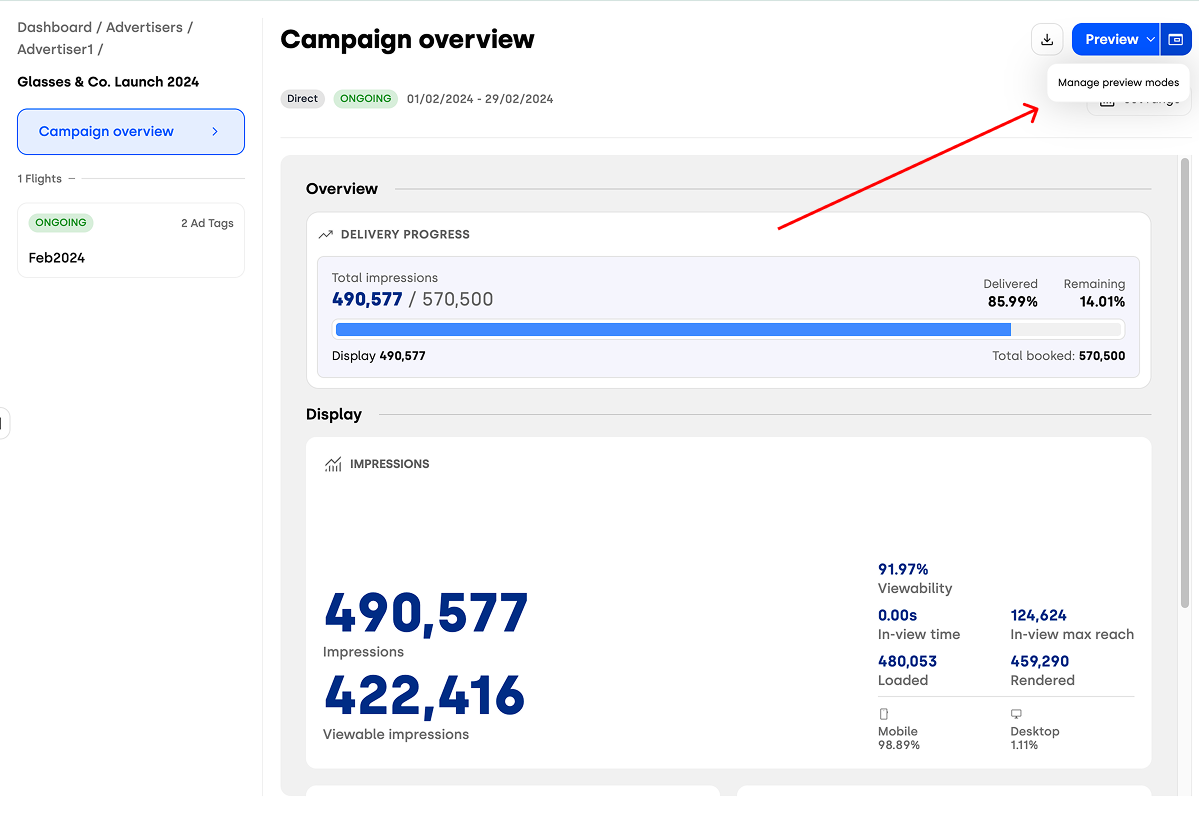
This level of customization is especially useful when sharing demo pages with clients or stakeholders, as it allows you to tailor the view to highlight only the most relevant information for each audience.
Delivery Progress Bar
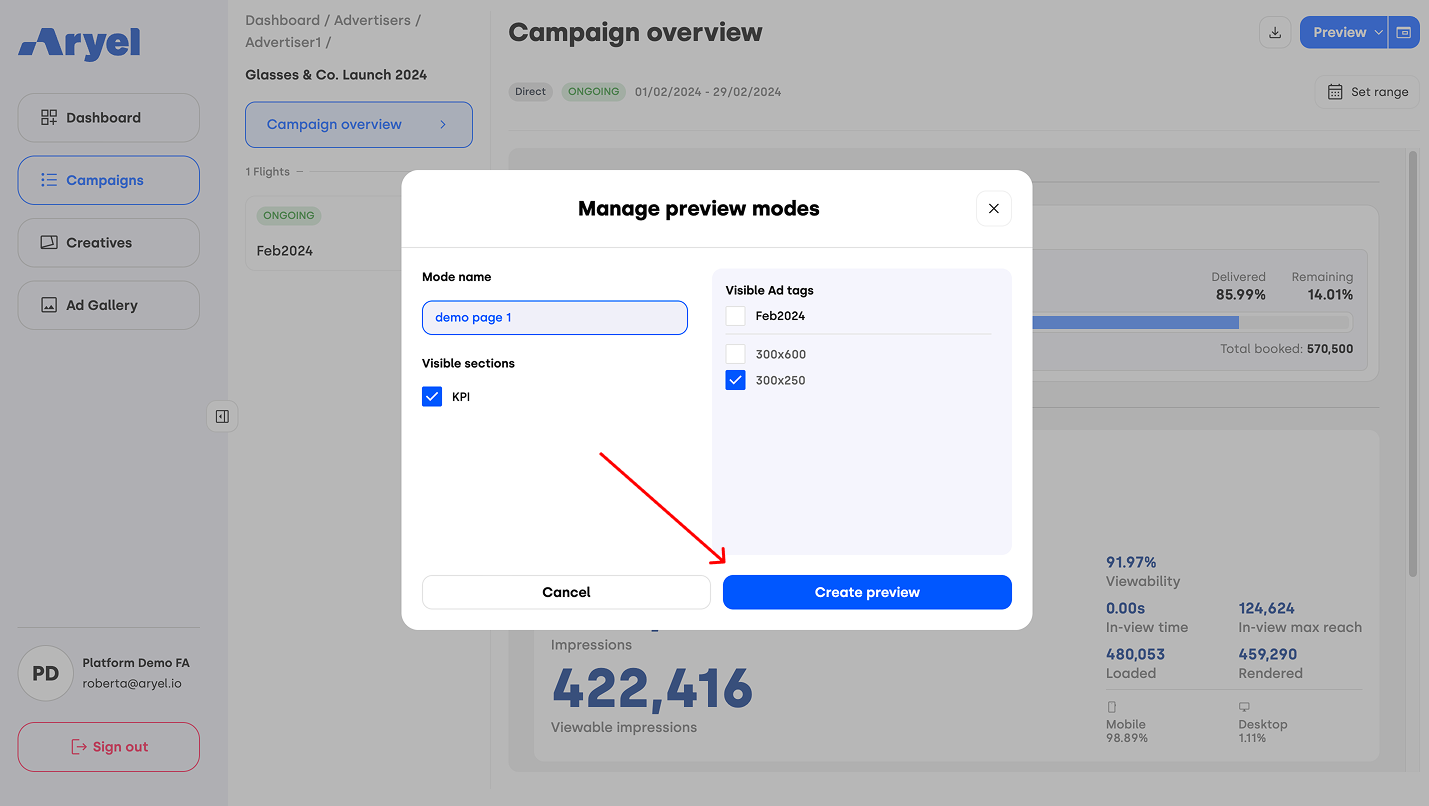
A new delivery progress bar is now available in two key areas: the Campaign Overview page and the Flight Detail Page, within the KPI tab. This visual indicator is tied to the campaign’s key metric — whether that’s impressions, readings, or clicks — and shows in real time how far the delivery has progressed toward the booked goal.
It provides an immediate, intuitive snapshot of campaign performance, helping you assess pacing at a glance without needing to dive into detailed reports.
Checkbox “Only Once” Enabled by Default
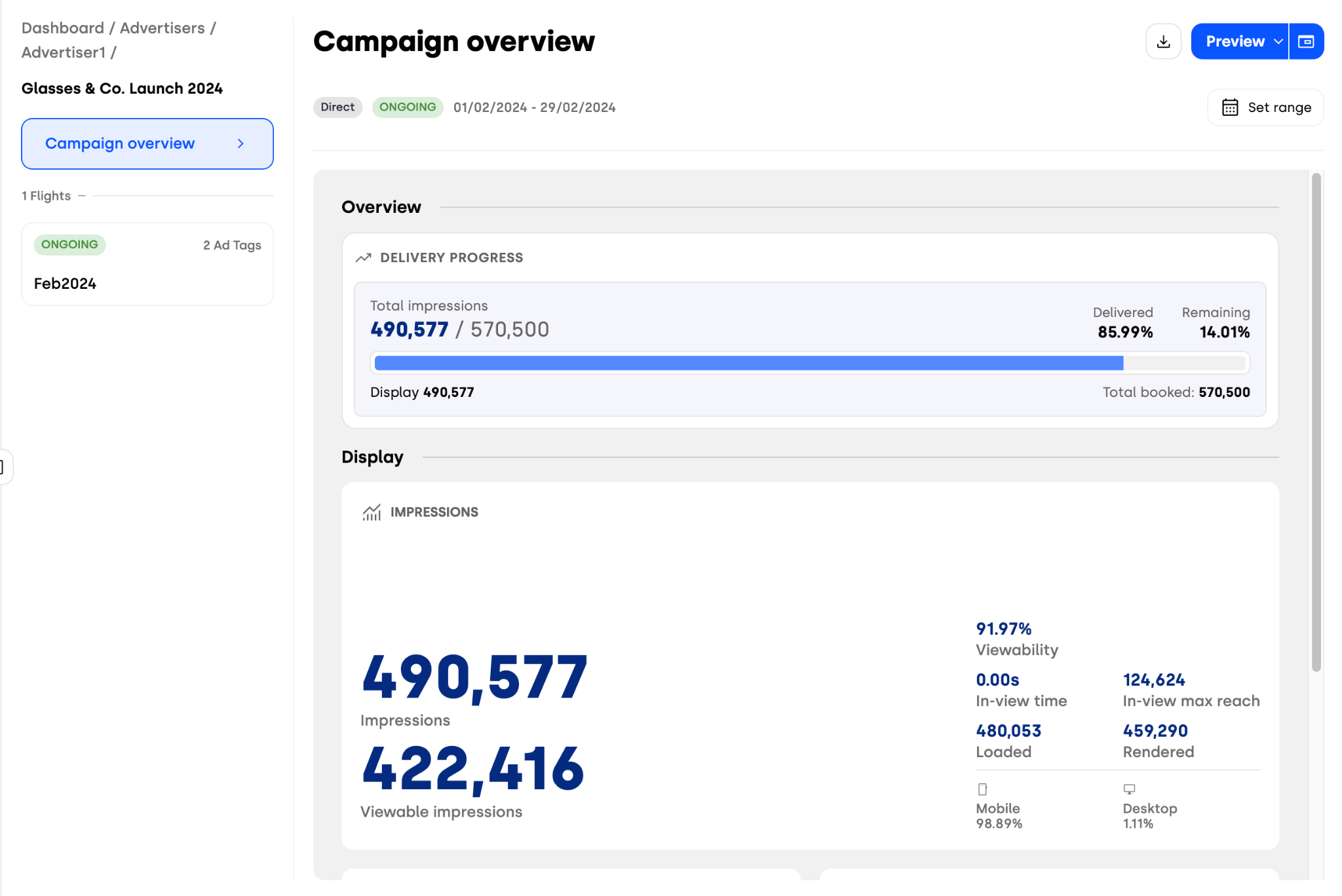
The “Only Once” checkbox — which ensures that a tracking event is recorded only a single time per user session — is now enabled by default whenever you attach a tracker to an interaction. This change was introduced to promote cleaner, more consistent data collection right from the start. With this update, your tracking setup is more reliable out of the box, while still giving you the flexibility to disable it manually if your use case requires multiple event recordings.
Improved Save Button
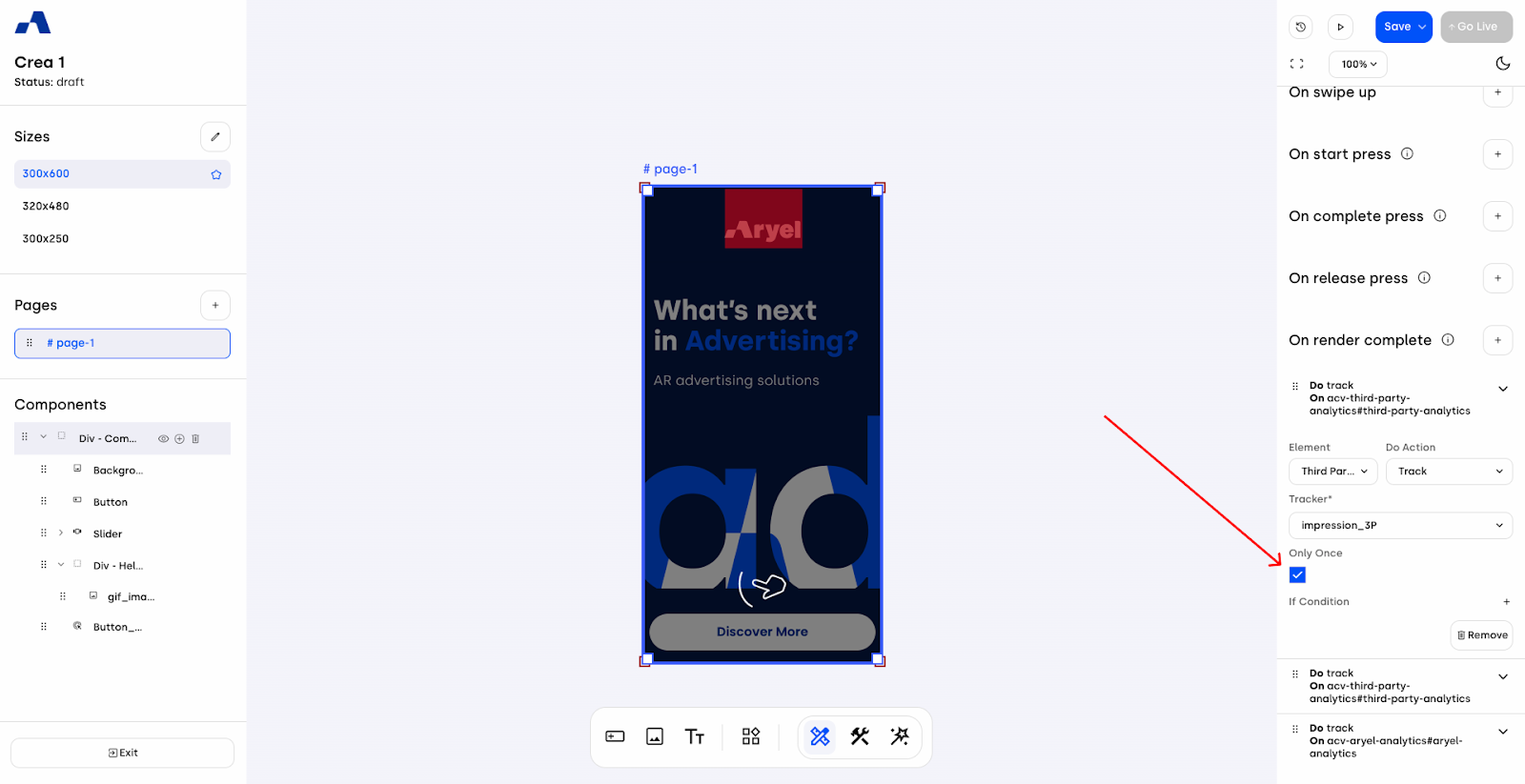
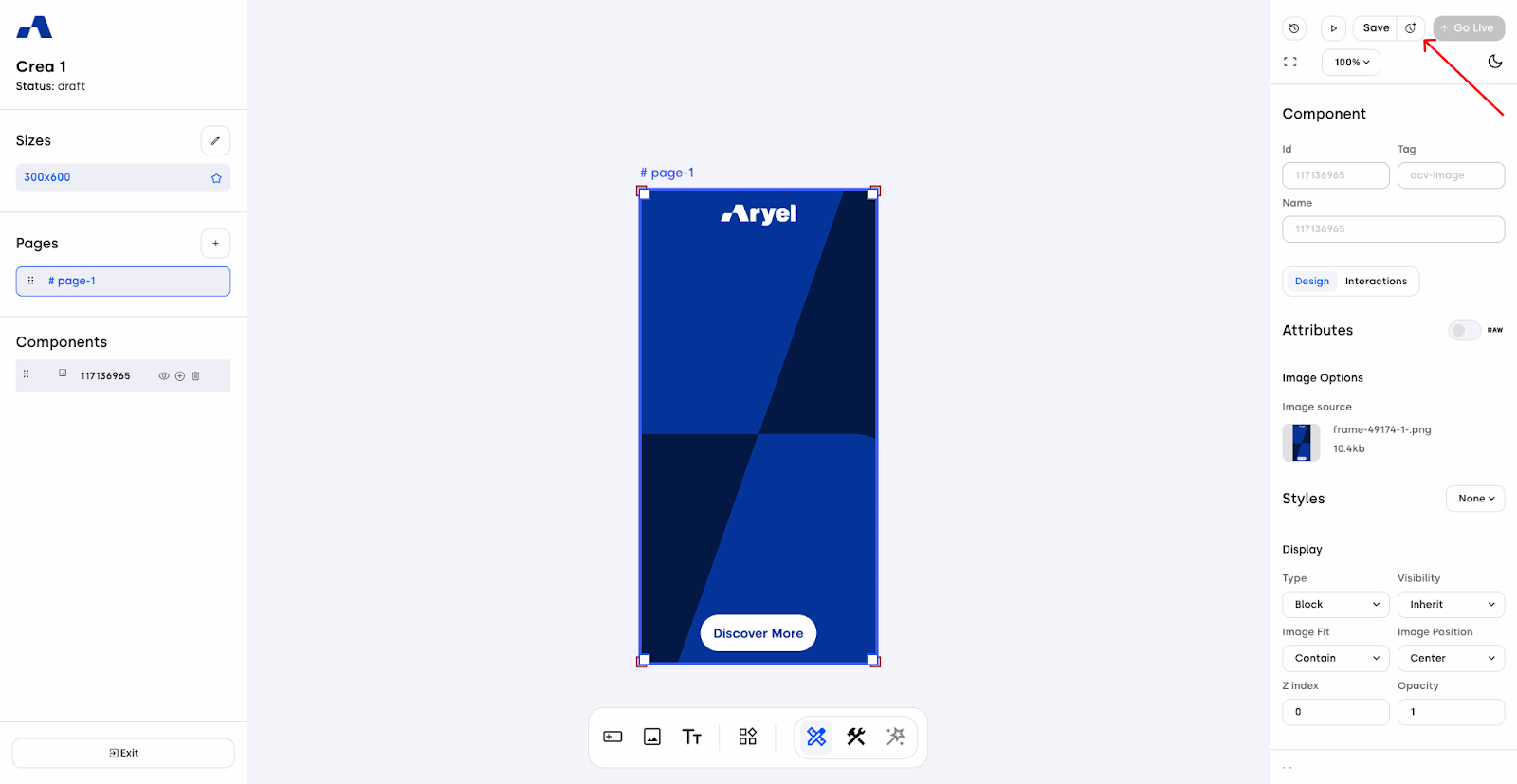
The Save button has been redesigned and split into two distinct actions for greater clarity and control.
The first part of the button allows you to save your current work as a Current Draft — preserving your progress without creating a permanent version. The second part, identified by a clock icon, lets you save your work directly as a new Version, making it a definitive entry in your version history.
This separation helps you better distinguish between quick, in-progress saves and intentional version milestones — reducing the risk of accidental overwrites and giving you a smoother, more organized creative workflow.
Peep Component — Interaction Percentage Trigger
The Peep component in the Ads Manager Builder now supports a new interaction event option: you can define the exact scratch percentage at which the event should be triggered. This means you can choose to record an interaction only when the user has scratched a meaningful portion of the content — for example, 50% or 75% — rather than counting every minor touch.

This enhancement gives you more accurate engagement data by focusing on users who have performed a more intentional and concrete action, helping you make better data-driven decisions about your creative performance.
Slider Updates
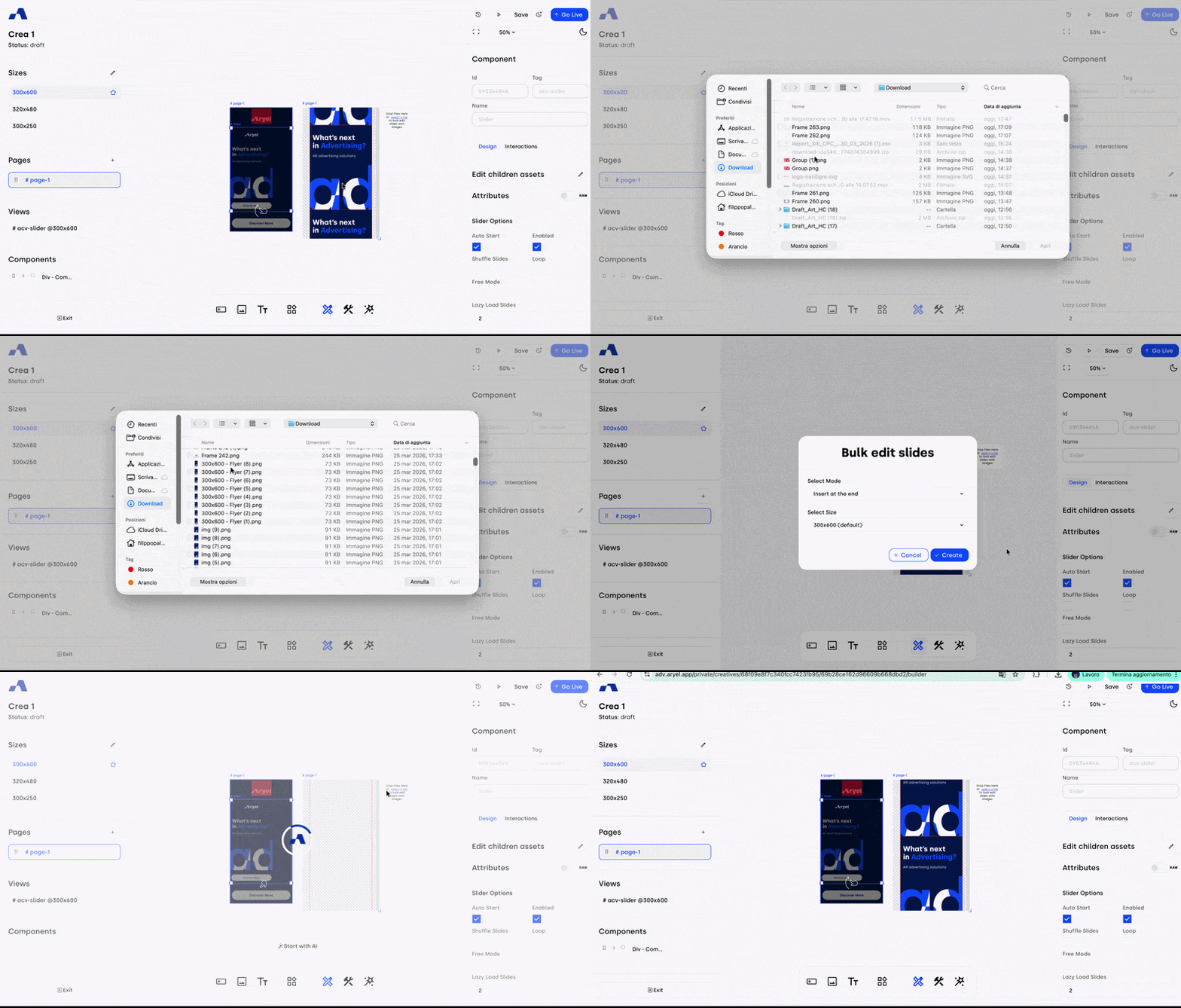
The Slider component has received several improvements to make managing slides faster and more flexible. When you need to add new slides or replace existing ones, simply click the Select File button to choose the assets you want to use. Once selected, you can decide whether to insert them before or after the slides already in place — or replace them entirely. This gives you full control over how your slider content is organized, without having to rebuild it from scratch.
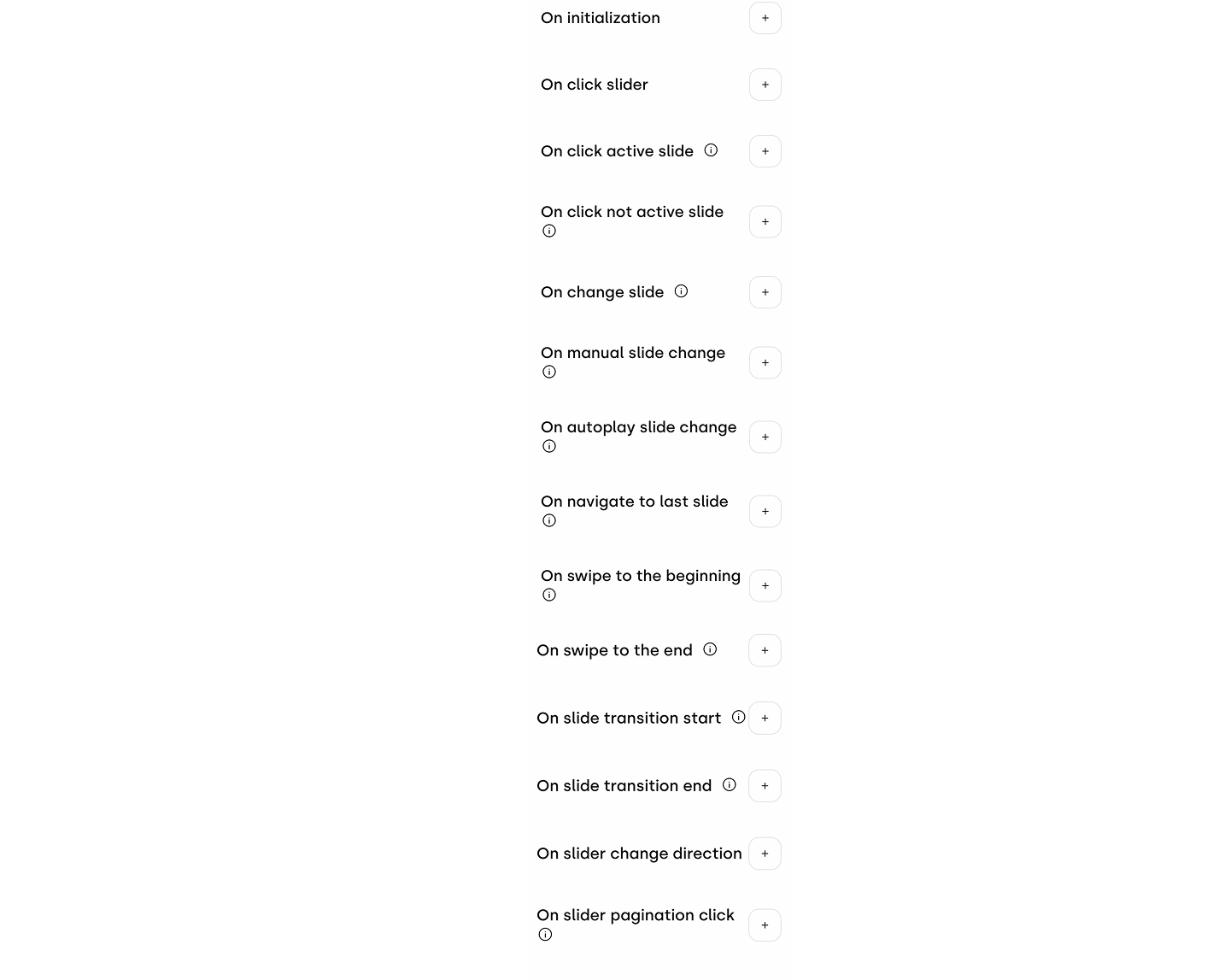
In addition, new interaction options have been added to the Slider component, expanding the range of behaviors you can attach to user actions and giving you even more creative possibilities when designing your ad experience.
Bulk Upload for Child Assets and Pages
Managing assets across your creative is now significantly faster, thanks to a new bulk editing option available at multiple levels. For the Slider and Layout Block components, clicking the Edit Children Assets button lets you quickly update all the assets loaded within the component's child elements — without needing to edit each one individually. At the page level, the same streamlined approach is available through the Edit Page Asset button, allowing you to manage and replace all the images and videos assets contained within the page in a single action
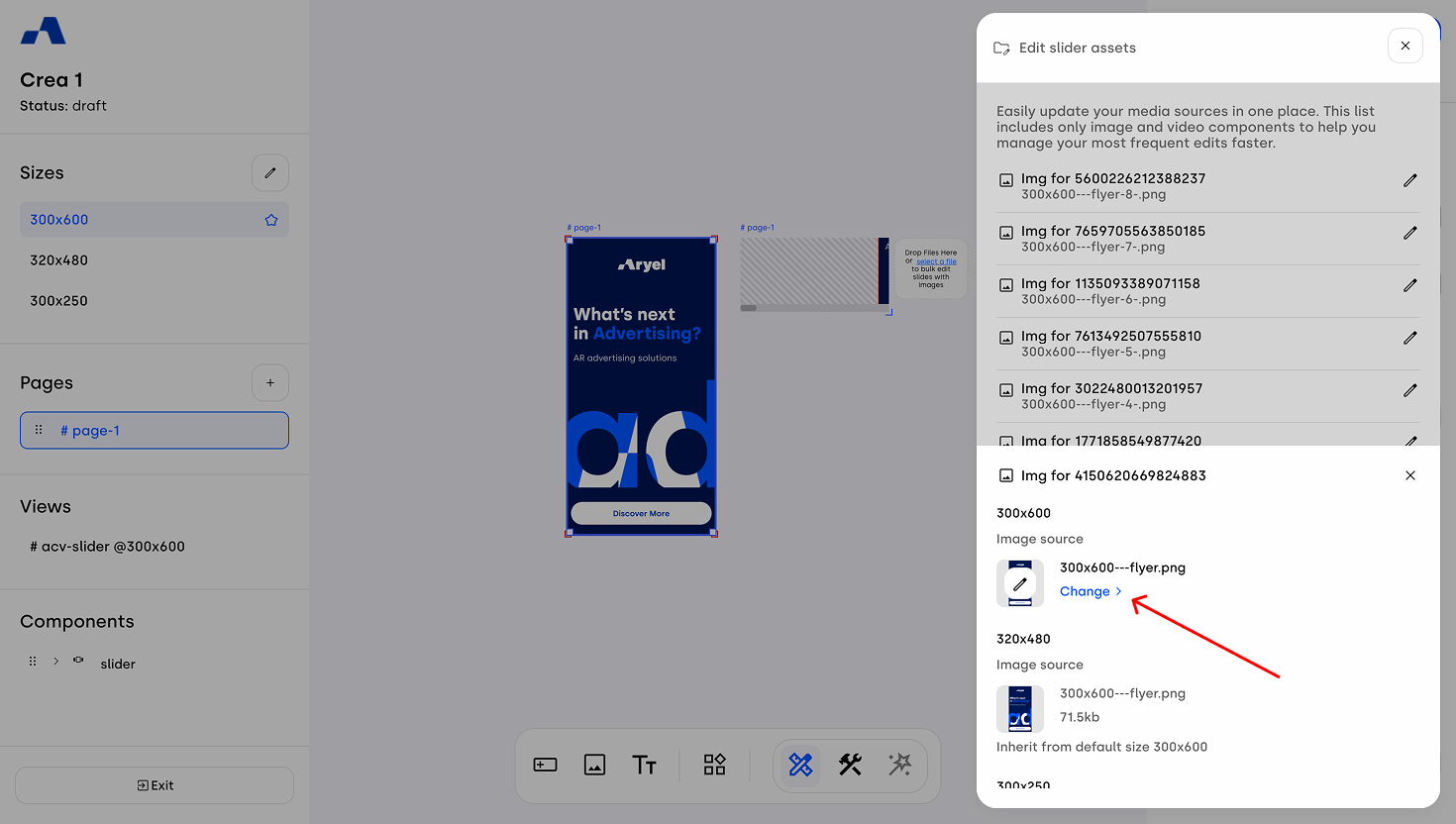
This improvement is especially useful when working with creatives that contain multiple visual elements, allowing you to swap assets in bulk and keep your production workflow efficient and organized.
New Interactions for the Video Component
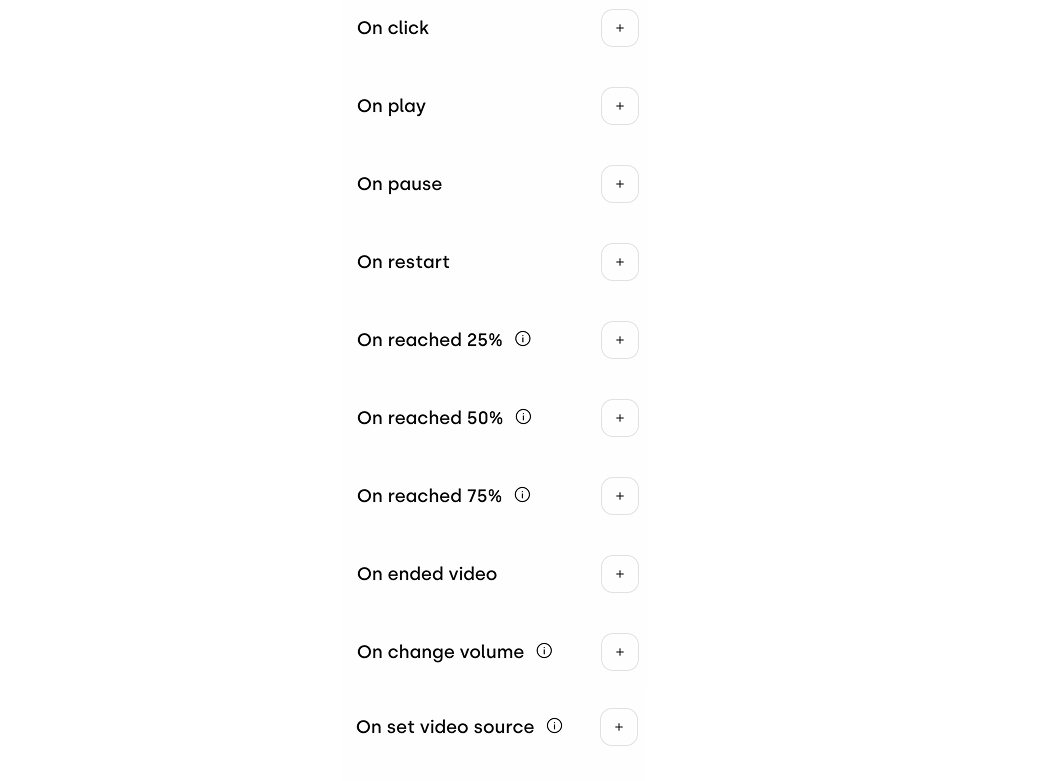
The Video component now supports dedicated completion milestone interactions: On reached 25%, On reached 50%, On reached 75%, and On ended video. These new interaction triggers allow you to monitor exactly how far users progress through your video content, giving you precise visibility into video completion rates.
Beyond tracking, these milestones can also be used to trigger actions on other components within your creative — such as revealing a call-to-action, changing a visual element, or launching an animation at a specific point in the video. This makes it easier than ever to build dynamic, video-driven experiences that respond to real user engagement.
March has been packed with meaningful updates across both the Ads Manager and the Builder. These improvements are all about giving you more control, better data, and a smoother experience.