
This guide provides the technical specifications needed to prepare your assets before uploading them to the platform. Following these requirements ensures your campaign renders correctly across all placements.
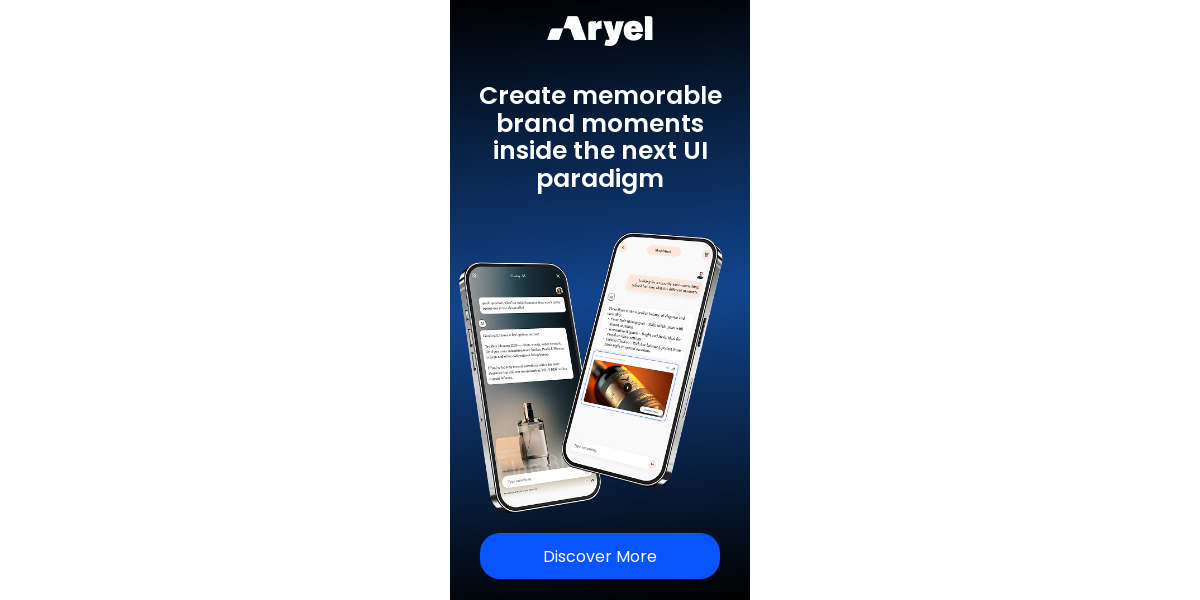
1. Single Media Image
Ideal for static display banners. You can upload multiple sizes to maximize your reach.
Technical Specifications
Asset Type | Requirement |
Dimensions | 250x250, 300x250, 300x600, 320x480, 970x250 |
File Formats | .jpg, .jpeg, .png, .gif |
Max File Size | 500KB per image |
Campaign Setup Details
Copy: Headline, tagline, and Call to Action (CTA) text.
Landing Page: Destination URL (Required).
3rd-Party Tracking: Impression or click tracking tags (Optional).
2. Single Media Video
Use this template to run high-impact video ads. Ensure your files are optimized for fast loading.
Technical Specifications
Asset Type | Requirement |
Dimensions | 250x250, 300x250, 300x600, 320x480, 970x250 |
File Formats | .mp4 |
Max File Size | 3MB per video |
Campaign Setup Details
Copy: Headline, tagline, and Call to Action (CTA) text.
Landing Page: Destination URL (Required).
3rd-Party Tracking: Impression or click tracking tags (Optional).
3. 2D Product Visualization
This interactive template allows users to explore your product in detail. It supports a standard view (displaying one or two products) or an enhanced Hotspot version for deeper engagement.
Technical Specifications
Asset Type | Requirement |
Dimensions | 250x250, 300x250, 300x600, 320x480, 970x250 |
Product Images | 1 or 2 images per size (.jpg, .jpeg, .png, .gif) |
Brand Logo | 1 logo image (.jpg, .jpeg, .png, .gif) |
Max File Size | 500KB per asset |
Hotspot Version
If you choose the Hotspot version, you will also need to provide:
Hotspot Icon: 1 icon image (.jpg, .jpeg, .png, .gif).
Modal Panel Content: The copy and/or image to be displayed in the modal panel that opens upon clicking the hotspot.
Campaign Setup Details
Copy: Headlines, taglines, and Call to Action (CTA) text.
Landing Page: Destination URL (Required).
3rd-Party Tracking: Impression or click tracking tags (Optional).
Preparation Tip:

When using the Standard View with two products, ensure both images are consistent in lighting and scale for a professional look.

For the Hotspot version, make sure your Modal Panel copy is concise to ensure it is easily readable on mobile screens.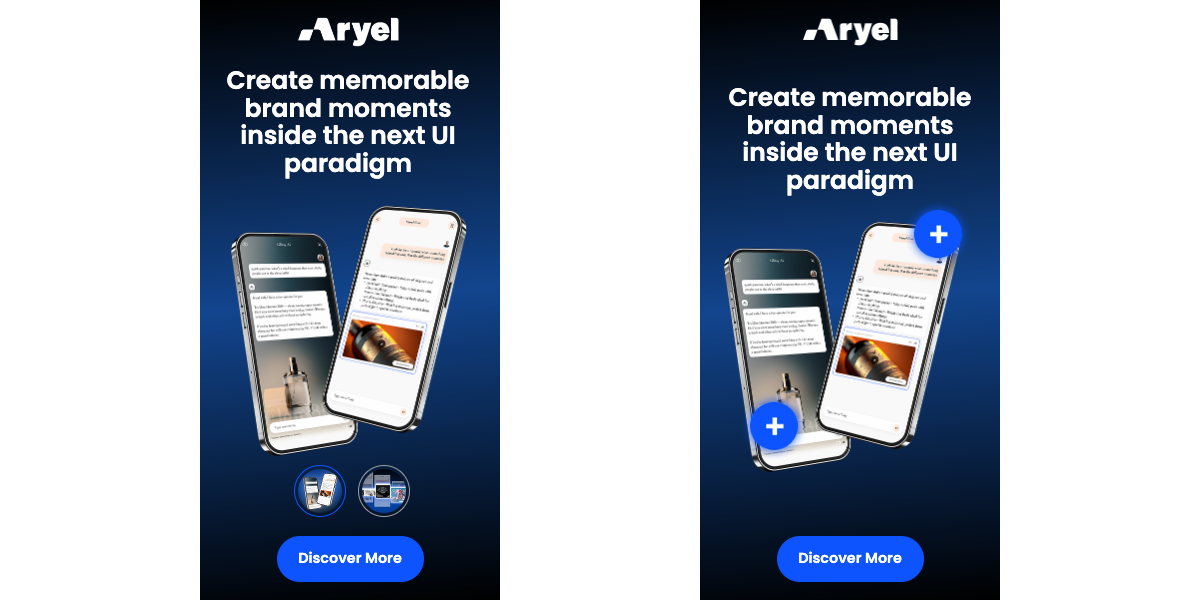
4. Carousel Image
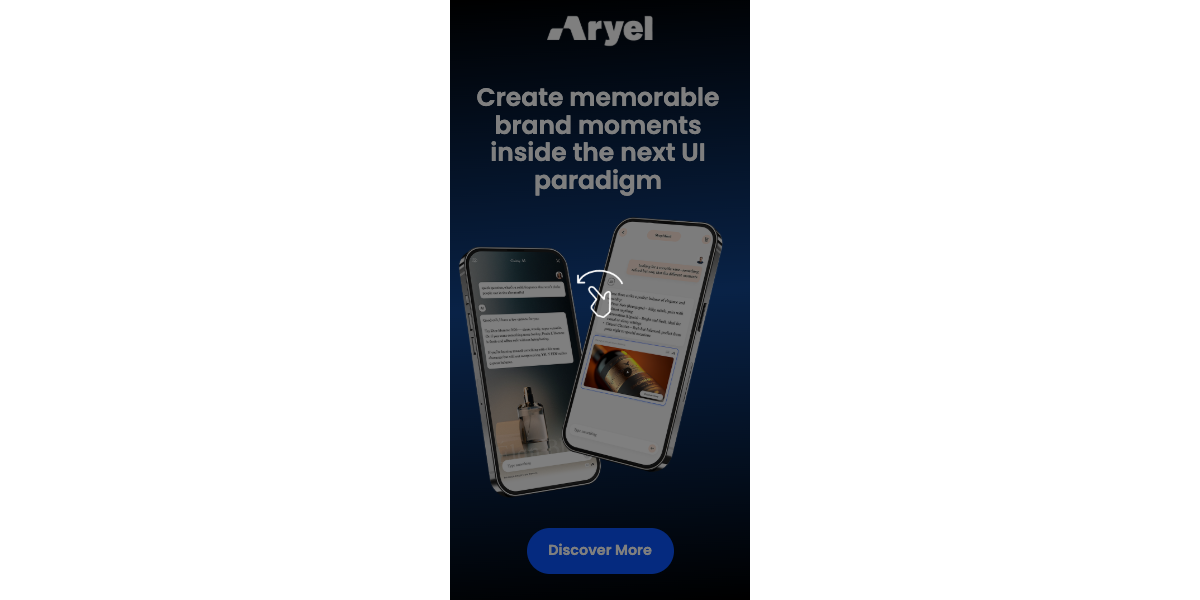
This template allows you to display a sequence of static images that users can swipe through.
Technical Specifications
Asset Type | Requirement |
Dimensions | 250x250, 300x250, 300x600, 320x480, 970x250 |
Number of Images | 2 to 4 images for each selected size |
File Formats | .jpg, .jpeg, .png, .gif |
Max File Size | 500KB per image |
Campaign Setup Details
Copy: Headline, taglines, and Call to Action (CTA) text.
Landing Page: Destination URL (Required).
3rd-Party Tracking: Impression or click tracking tags (Optional).
5. Carousel Video
Ideal for dynamic storytelling, this template supports a sequence of short-form videos.
Technical Specifications
Asset Type | Requirement |
Dimensions | 250x250, 300x250, 300x600, 320x480, 970x250 |
Number of Videos | 2 to 4 videos for each selected size |
File Format | .mp4 |
Max File Size | 3MB per video |
Campaign Setup Details
Copy: Headline, taglines, and Call to Action (CTA) text.
Landing Page: Destination URL (Required).
3rd-Party Tracking: Impression or click tracking tags (Optional).
6. Carousel Mixed Media
Our most versatile carousel option, combining both static and dynamic elements within a single ad unit.
Technical Specifications
Asset Type | Requirement |
Dimensions | 250x250, 300x250, 300x600, 320x480, 970x250 |
Required Assets | 2 Images (.jpg, .jpeg, .png, .gif) + 2 Videos (.mp4) |
Max File Size | Images: 500KB / Videos: 3MB |
Campaign Setup Details
Copy: Headline, taglines, and Call to Action (CTA) text.
Landing Page: Destination URL (Required).
3rd-Party Tracking: Impression or click tracking tags (Optional).
Best Practices:

Sequencing: Place your most compelling asset (image or video) in the first slot to encourage users to engage and swipe.

Visual Consistency: Use a consistent color palette and font style across all assets in the carousel for a seamless user experience.

CTA Clarity: While the CTA button is global, ensure the message in your images or videos complements the final action you want the user to take.
7. Postcard Image
This template displays a sequence of static images within a framed layout. It is ideal for showcasing a product collection or a step-by-step visual guide.
Technical Specifications
Asset Type | Requirement |
Dimensions | 250x250, 300x250, 300x600, 320x480, 970x250 |
Number of Images | 2 to 5 images for each selected size |
File Formats | .jpg, .jpeg, .png, .gif |
Max File Size | 500KB per image |
Campaign Setup Details
Copy: Headline, taglines, and Call to Action (CTA) text.
Landing Page: Destination URL (Required).
3rd-Party Tracking: Impression or click tracking tags (Optional).
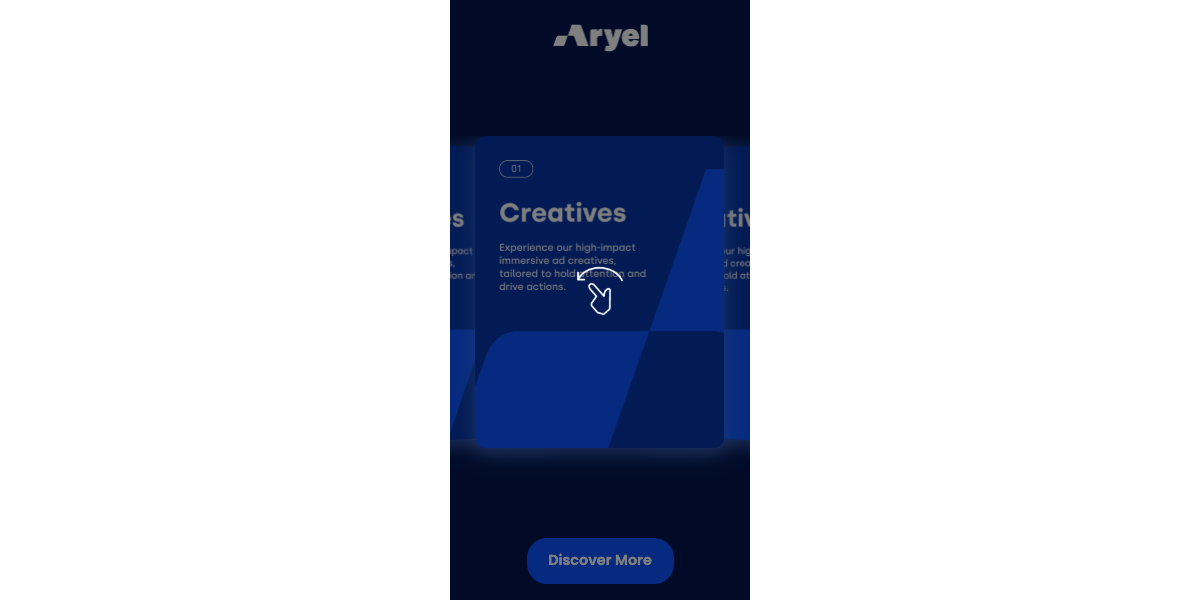
8. Postcard Video
A dynamic framed layout that allows users to swipe through a series of short-form videos.
Technical Specifications
Asset Type | Requirement |
Dimensions | 250x250, 300x250, 300x600, 320x480, 970x250 |
Number of Videos | 2 to 5 videos for each selected size |
File Format | .mp4 |
Max File Size | 3MB per video |
Campaign Setup Details
Copy: Headline, taglines, and Call to Action (CTA) text.
Landing Page: Destination URL (Required).
3rd-Party Tracking: Impression or click tracking tags (Optional).
9. Postcard Mixed Media
The Mixed Media version of the Postcard template combines static imagery with video content for a diverse interactive experience.
Technical Specifications
Asset Type | Requirement |
Dimensions | 250x250, 300x250, 300x600, 320x480, 970x250 |
Required Assets | 2 Images (.jpg, .jpeg, .png, .gif) + 3 Videos (.mp4) for each selected size |
Max File Size | Images: 500KB / Videos: 3MB |
Campaign Setup Details
Copy: Headline, taglines, and Call to Action (CTA) text.
Landing Page: Destination URL (Required).
3rd-Party Tracking: Impression or click tracking tags (Optional).
Layout Tips:

Framing: Since images/videos are not full-screen in this template, ensure your content is centered and the subject is clearly visible.

Backgrounds: If using a background color or skin, ensure your assets have high contrast against it to stand out.

Asset Variety: For Mixed Media, we recommend starting with a video to catch the user's attention, followed by high-quality static images.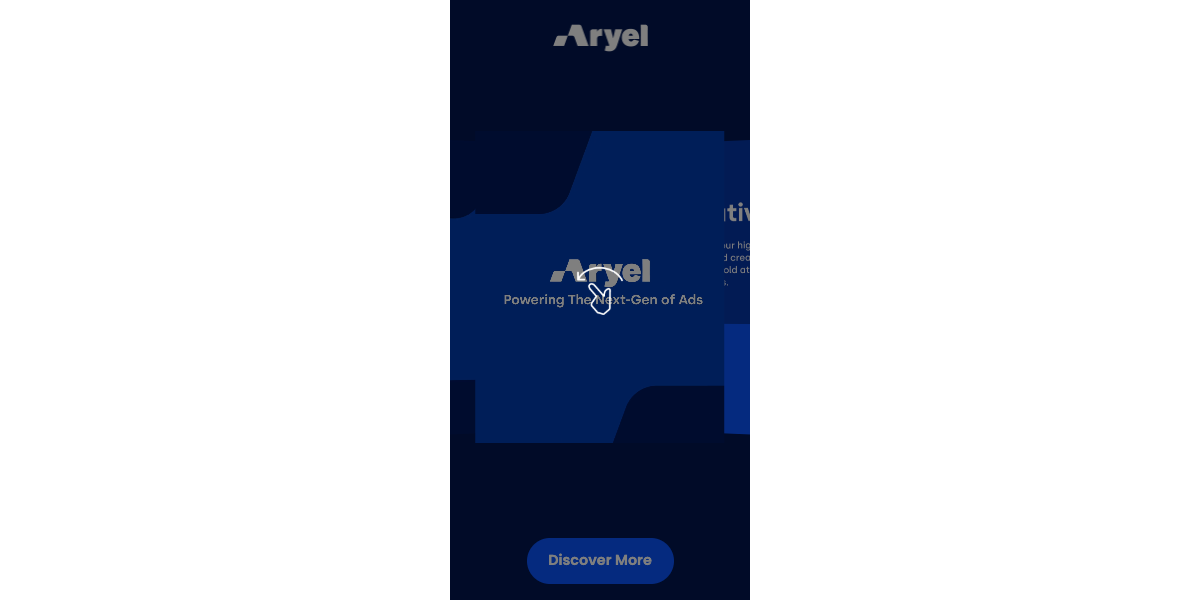
10. Motion Video
The Motion Video template transforms a single video into an interactive three-step experience. The video playback is programmed to pause at two distinct points, requiring user input (or providing a natural break for messaging) before proceeding to the final frame.
Technical Specifications
Asset Type | Requirement |
Dimensions | 250x250, 300x250, 300x600, 320x480, 970x250 |
File Format | .mp4 |
Max File Size | 3MB per video |
Video Structure | Single video file designed to be divided into 3 logical steps |
Interactive Configuration
Pause Points: You will need to define two specific timestamps within the platform where the video will pause.
Step 1: Initial intro animation.
Step 2: Secondary content/feature highlight.
Step 3: Final reveal and Call to Action.
Campaign Setup Details
Copy: Headlines, taglines, and Call to Action (CTA) text for each interactive stage.
Landing Page: Destination URL (Required).
3rd-Party Tracking: Impression or click tracking tags (Optional).
Preparation Tip:

When editing your video, ensure there is a clear visual "resting point" at your chosen timestamps. Avoid having high-speed movement or cut-scenes exactly where the video is set to pause, as this can feel jarring for the user. Think of it as a three-act story contained within a single file.
11. Scratch Image
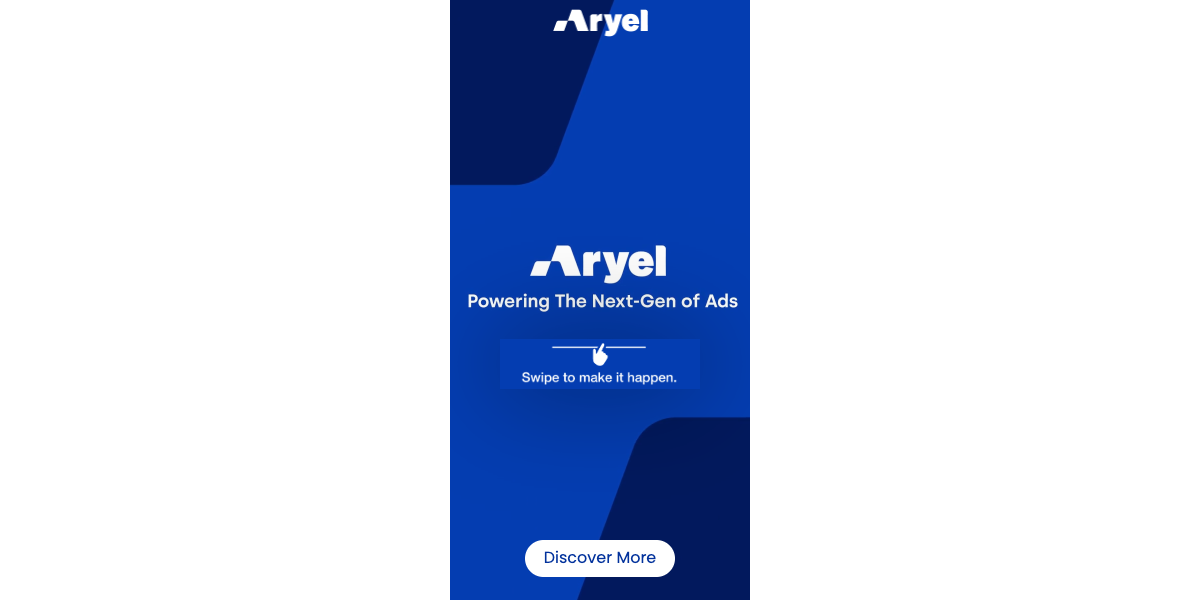
The Scratch Image template uses a gamified "scratch-off" effect. Users manually rub away the top layer to reveal a hidden image or offer underneath.
Technical Specifications
Asset Type | Requirement |
Dimensions | 250x250, 300x250, 300x600, 320x480, 970x250 |
Top Layer | 1 Image to be scratched (.jpg, .jpeg, .png, .gif) |
Bottom Layer | 1 Image to be revealed (.jpg, .jpeg, .png, .gif) |
Max File Size | 500KB per image |
Campaign Setup Details
Copy: Headline, instructions (e.g., "Scratch to reveal"), and Call to Action (CTA).
Landing Page: Destination URL (Required).
3rd-Party Tracking: Impression or click tracking tags (Optional).
12. Scratch Video
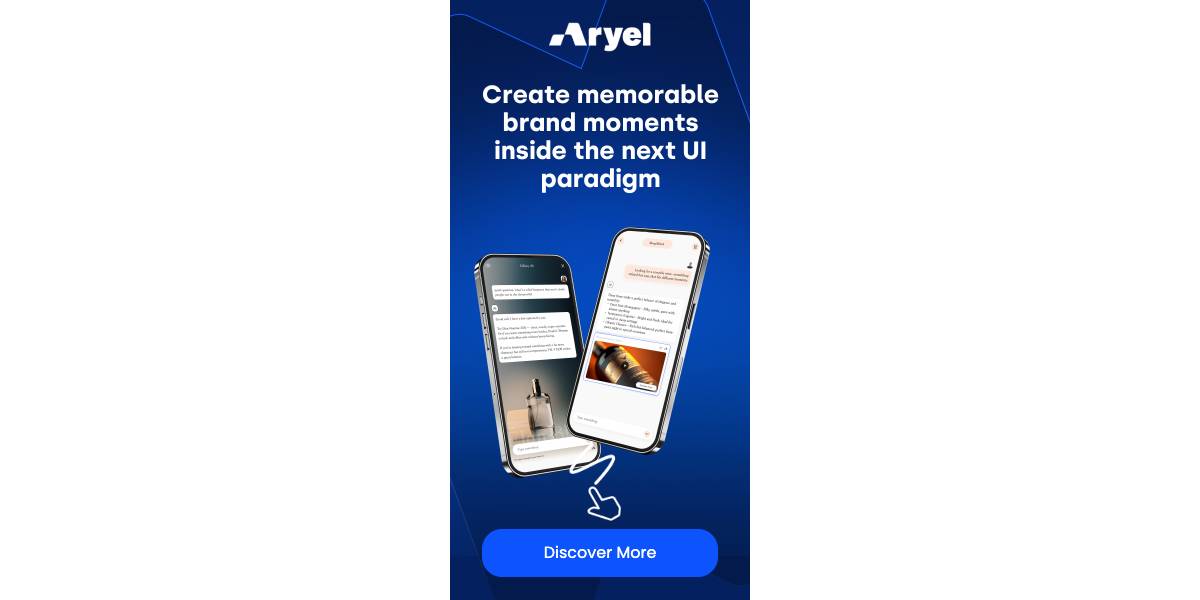
The Scratch Video template combines a static top layer with a dynamic video reveal, creating a high-impact "surprise" effect once the user interacts.
Technical Specifications
Asset Type | Requirement |
Dimensions | 250x250, 300x250, 300x600, 320x480, 970x250 |
Top Layer | 1 Image to be scratched (.jpg, .jpeg, .png, .gif) |
Bottom Layer | 1 Video to be revealed (.mp4) |
Max File Size | Image: 500KB / Video: 3MB |
Campaign Setup Details
Copy: Headline, instructions, and Call to Action (CTA).
Landing Page: Destination URL (Required).
3rd-Party Tracking: Impression or click tracking tags (Optional).
Preparation Tip:

Visual Contrast: Ensure the "Top Layer" image is visually distinct from the "Bottom Layer" so users can clearly see the progress as they scratch.

Instructions: Always include a small piece of copy like "Scratch here" or a "hand icon" to let users know the ad is interactive.

The "Reveal": For Scratch Video, the most exciting part of your video should happen in the first few seconds of the reveal to reward the user's interaction immediately.
13. Lenscape
The Lenscape template creates a discovery experience. By pressing and holding while moving across the screen, users reveal a small portion of the underlying image (the "Lens" effect). Once the interaction time reaches 100% completion, the hidden image is revealed in its entirety.
Technical Specifications
Asset Type | Requirement |
Dimensions | 250x250, 300x250, 300x600, 320x480, 970x250 |
Top Layer | 1 Image to be explored (.jpg, .jpeg, .png, .gif) |
Bottom Layer | 1 Image to be revealed (.jpg, .jpeg, .png, .gif) |
Max File Size | 500KB per image |
Interactive Configuration
Lens Effect: The user must hold and move to see the bottom layer.
Completion Mechanic: The full bottom image will only be permanently displayed once the user has interacted with the ad for a pre-set amount of time.
Campaign Setup Details
Copy: Headline, exploration instructions (e.g., "Hold and move to explore"), and Call to Action (CTA).
Landing Page: Destination URL (Required).
3rd-Party Tracking: Impression or click tracking tags (Optional).
Preparation Tip:

The "Reveal" Strategy: This template works best when the Top Layer is a "teaser" (e.g., a zoomed-out view or a dark environment) and the Bottom Layer contains the "detail" or "solution" (e.g., a product feature or a bright landscape).

High Detail: Since users are looking through a small "lens," ensure the bottom image has high-resolution details that are rewarding to discover.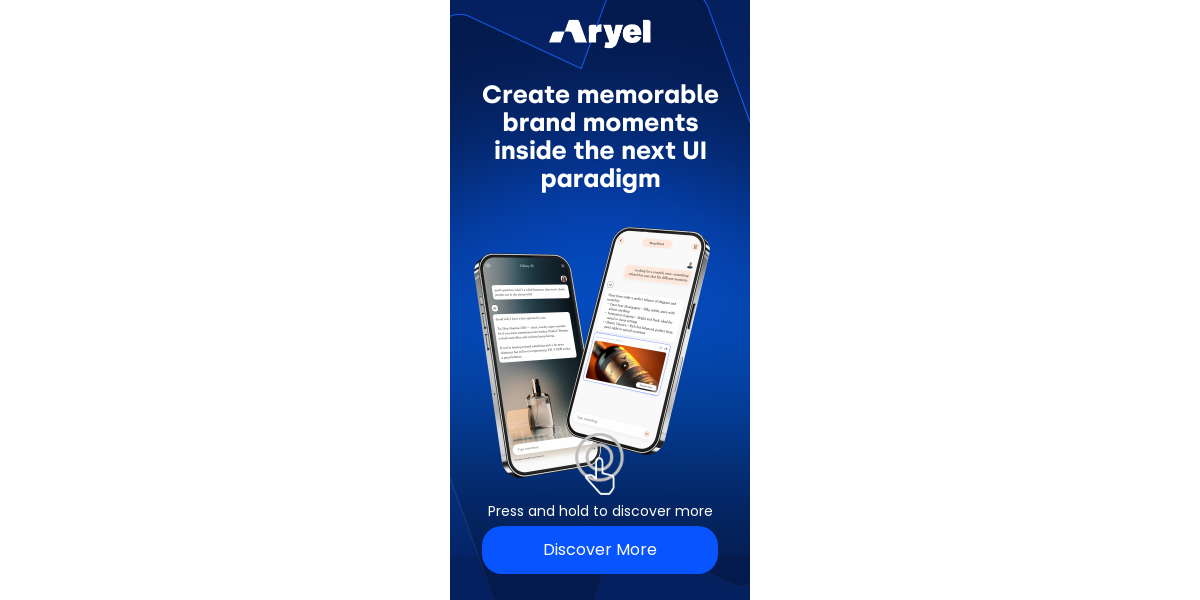
14. SideBySide
The SideBySide template features two overlapping images with an interactive slider (handler). By dragging the slider left or right, users can reveal more of one image or the other in real-time.
Technical Specifications
Asset Type | Requirement |
Dimensions | 250x250, 300x250, 300x600, 320x480, 970x250 |
Left Image | 1 Image (.jpg, .jpeg, .png, .gif) |
Right Image | 1 Image (.jpg, .jpeg, .png, .gif) |
Max File Size | 500KB per image |
Customization Options
Handler Image: You can upload a custom icon or image for the slider button (e.g., arrows or a brand logo).
Handler Color: The color of the slider line and button can be customized to match your brand's hex code.
Campaign Setup Details
Copy: Headline, comparison instructions (e.g., "Slide to compare"), and Call to Action (CTA).
Landing Page: Destination URL (Required).
3rd-Party Tracking: Impression or click tracking tags (Optional).
Preparation Tip:

Perfect Alignment: For the best visual effect, ensure both images are shot from the exact same angle and framed identically. This makes the transition between the two layers seamless.

The "Wow" Factor: Use this for "Old vs. New," "Day vs. Night," or "Unfiltered vs. Filtered" content to give the user a reason to interact with the slider.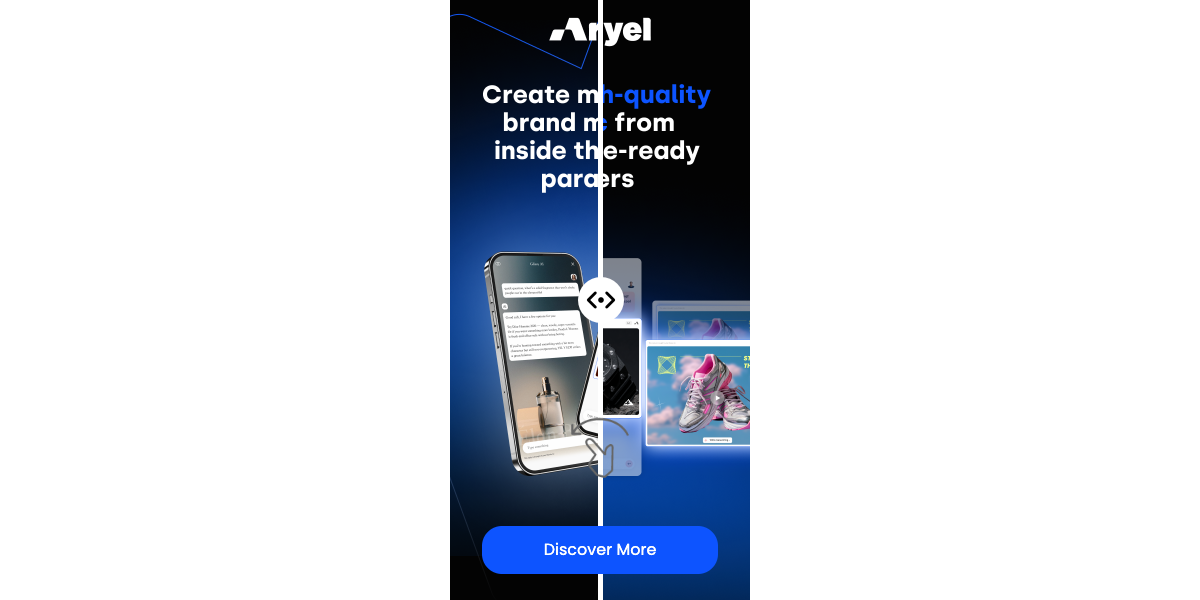
15. Explorer Flyer
The Explorer Flyer template features a smooth vertical scrolling mechanic. It is ideal for retailers or brands looking to showcase a large collection of products, a menu, or a multi-page digital brochure.
Technical Specifications
Asset Type | Requirement |
Available Sizes | 300x250, 300x600, 320x480 |
Number of Images | From 2 to 18 images for each selected size |
File Formats | .jpg, .jpeg, .png, .gif |
Max File Size | 500KB per image |
Interactive Configuration
Scrolling Mechanic: Users navigate the content by scrolling vertically (up and down) through the stack of images.
Layout: Images are displayed in a continuous vertical sequence.
Campaign Setup Details
Copy: Headline, instructions (e.g., "Scroll to discover"), and Call to Action (CTA).
Landing Page: Destination URL (Required).
3rd-Party Tracking: Impression or click tracking tags (Optional).
Preparation Tip:

Mobile-First Design: Given the vertical nature of this template, it performs exceptionally well on mobile (320x480). Keep your most important offer or product in the first 2-3 frames to capture interest immediately.

Image Quality: With up to 18 images allowed, pay close attention to file compression to ensure the ad unit remains lightweight and loads quickly for the user.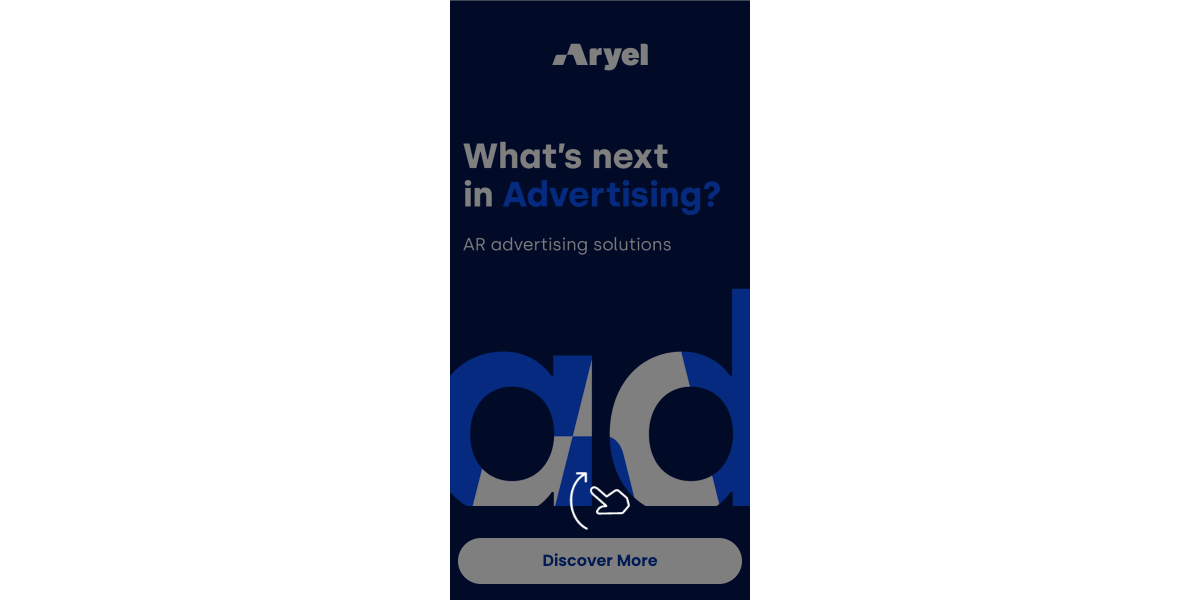
16. Library
The Library template features a dynamic "accordion-style" gallery of images. In the initial state, images are displayed side-by-side in a "cropped" (narrow and tall) vertical format. Upon clicking any image, an overlay carousel opens, expanding the selected image to its full aspect ratio and allowing the user to swipe through the entire collection.
Users can easily close the overlay at any time to return to the initial "Library" view.
Technical Specifications
Asset Type | Requirement |
Dimensions | 250x250, 300x250, 300x600, 320x480, 970x250 |
Number of Images | From 4 to 7 images for each selected size |
File Formats | .jpg, .jpeg, .png, .gif |
Max File Size | 500KB per image |
Interactive Configuration
Initial View: A "tiled" layout where the 4-7 images are cropped into narrow vertical strips.
Expanded View: A full-screen or large-scale overlay carousel that displays the images in their original intended proportions.
Campaign Setup Details
Copy: Headline, instructions (e.g., "Tap to expand"), and Call to Action (CTA).
Landing Page: Destination URL (Required).
3rd-Party Tracking: Impression or click tracking tags (Optional).
Preparation Tip:

Central Composition: Because the initial "Library" state crops your images into narrow vertical strips, ensure the most important part of your visual (the product or subject) is centered. Avoid placing text or critical details near the left or right edges of the original file.

Visual Variety: This template works best when the 4-7 images have a cohesive color palette but distinct subjects, making the "unfolding" effect more visually rewarding for the user.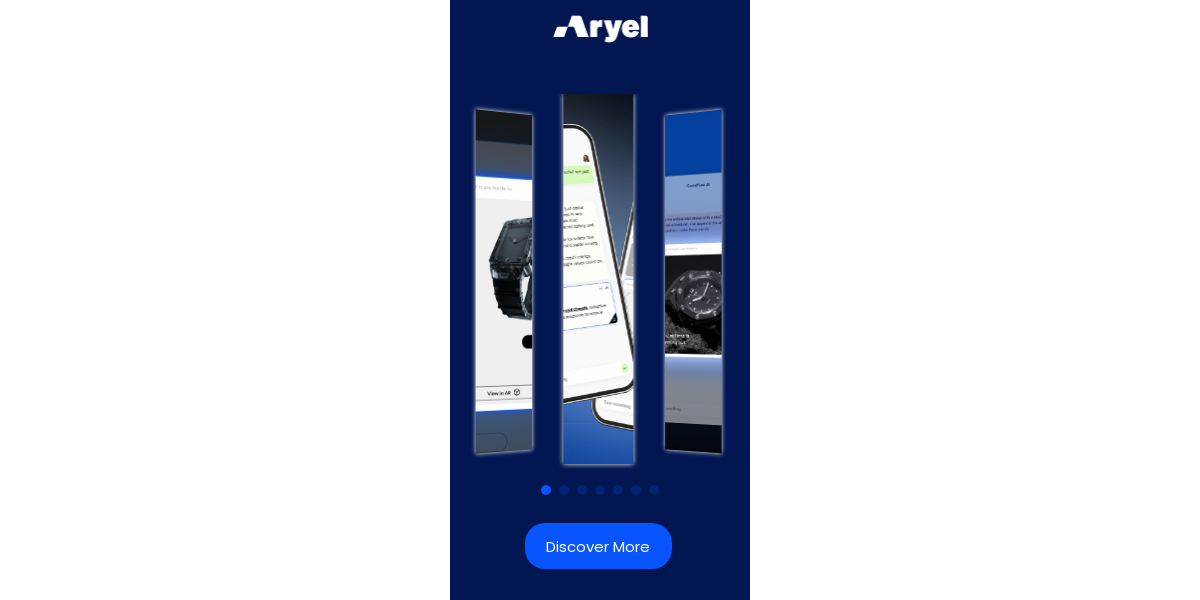
17. Tap & Hold
The Tap & Hold template uses a pressure-based interaction to navigate a sequence of images. To transition from one image to the next, the user must press and hold their finger on the ad unit for a pre-set duration. Once the target time is reached, releasing the pressure reveals the next image in the sequence.
Technical Specifications
Asset Type | Requirement |
Dimensions | 250x250, 300x250, 300x600, 320x480, 970x250 |
Number of Images | 2 to 3 images for each selected size |
File Formats | .jpg, .jpeg, .png, .gif |
Max File Size | 500KB per image |
Interactive Configuration
Hold Duration: The time required to "unlock" the next image is configurable within the platform.
Progress Indicator: A visual cue (like a loading bar or ring) shows the user how much longer they need to hold.
Campaign Setup Details
Copy: Headline, clear instructions (e.g., "Tap and hold to unlock the surprise"), and Call to Action (CTA).
Landing Page: Destination URL (Required).
3rd-Party Tracking: Impression or click tracking tags (Optional).
Preparation Tip:

Visual Narrative: This template works best with a "Build-up" or "Transformation" logic.

Clear Instructions: Since "Hold" is a specific gesture, ensure your instructional copy is prominent so users don't just tap once and leave.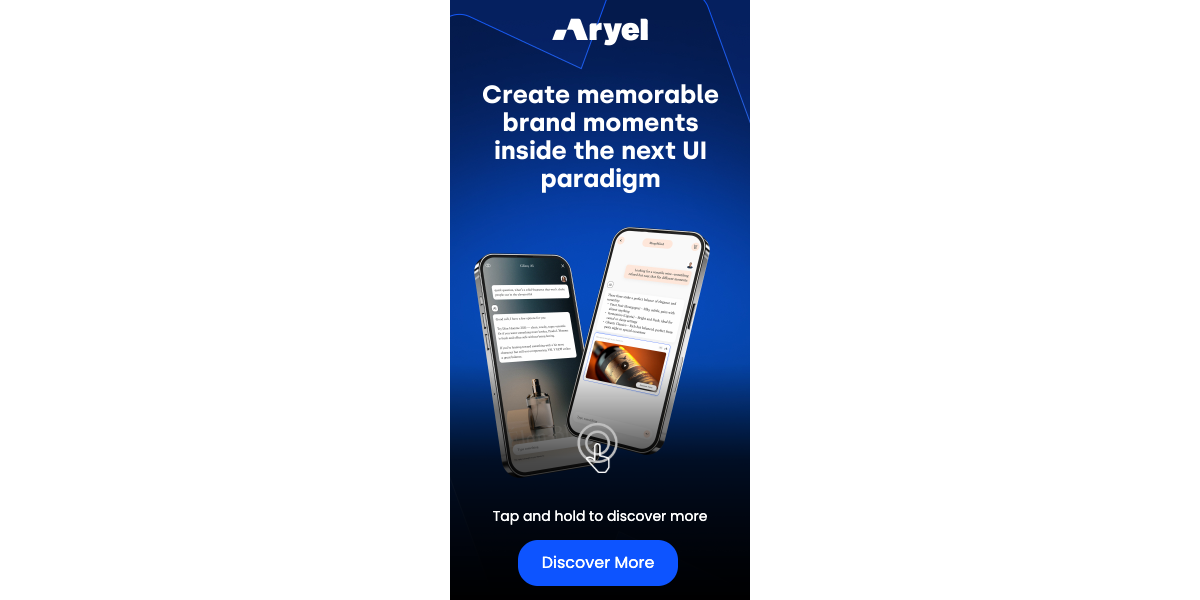
18. Tap, Hold, Release
The Tap, Hold, Release template features a dual-layer carousel. It consists of 5 primary images, each with a hidden "underlayer" image. While the user taps and holds the screen, the bottom image is revealed; upon releasing, the top image reappears. This is an excellent tool for comparing products, showing "inside vs. outside" views, or hidden surprises.
Technical Specifications
Asset Type | Requirement |
Dimensions | 250x250, 300x250, 300x600, 320x480, 970x250 |
Number of Images | 10 images total per size (5 Top Layers + 5 Bottom Layers) |
File Formats | .jpg, .jpeg, .png, .gif |
Max File Size | 500KB per image |
Interactive Configuration
Carousel Flow: Users can swipe through 5 different "cards."
Toggle Mechanic:
Default View: Top Image.
Active Hold: Reveals the corresponding Bottom Image.
Release: Returns to the Top Image.
Campaign Setup Details
Copy: Headline, interactive instructions (e.g., "Hold to see inside"), and Call to Action (CTA).
Landing Page: Destination URL (Required).
3rd-Party Tracking: Impression or click tracking tags (Optional).
Preparation Tip:

Perfect Registration: To make the transition feel natural, ensure the objects in the "Top" and "Bottom" layers are aligned in the same position. For example, a closed laptop on the top layer and an open laptop on the bottom layer.

Labeling Assets: Because this template requires 10 images per size, we strongly recommend a clear naming convention like Size_Card1_Top.jpg and Size_Card1_Bottom.jpg to avoid confusion during the self-serve upload process.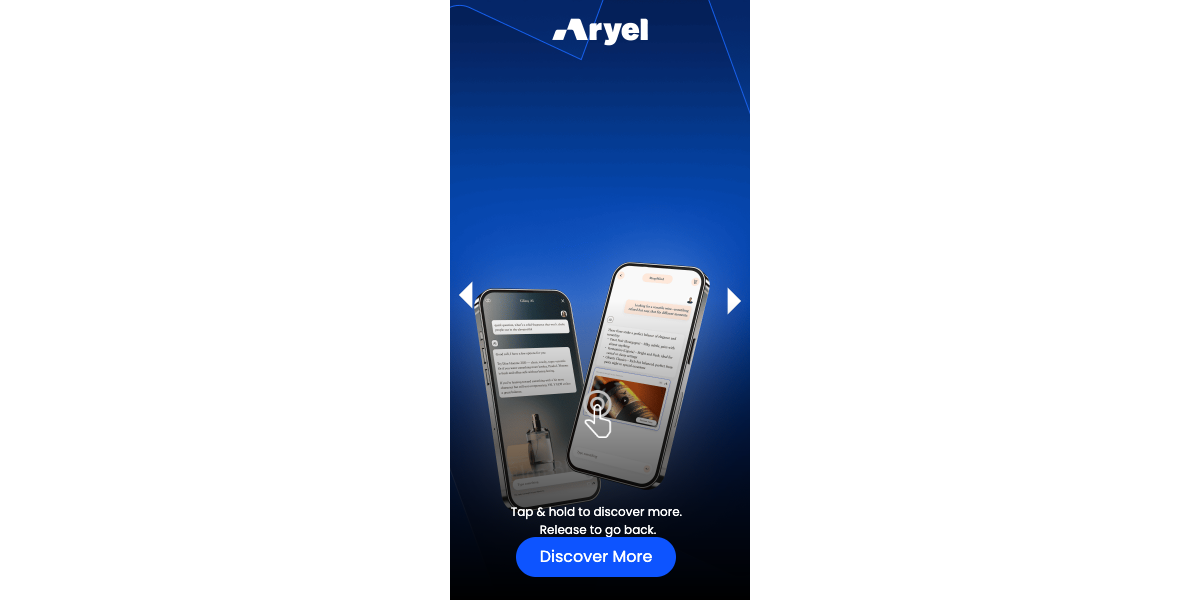
Split-Screen Template Variants
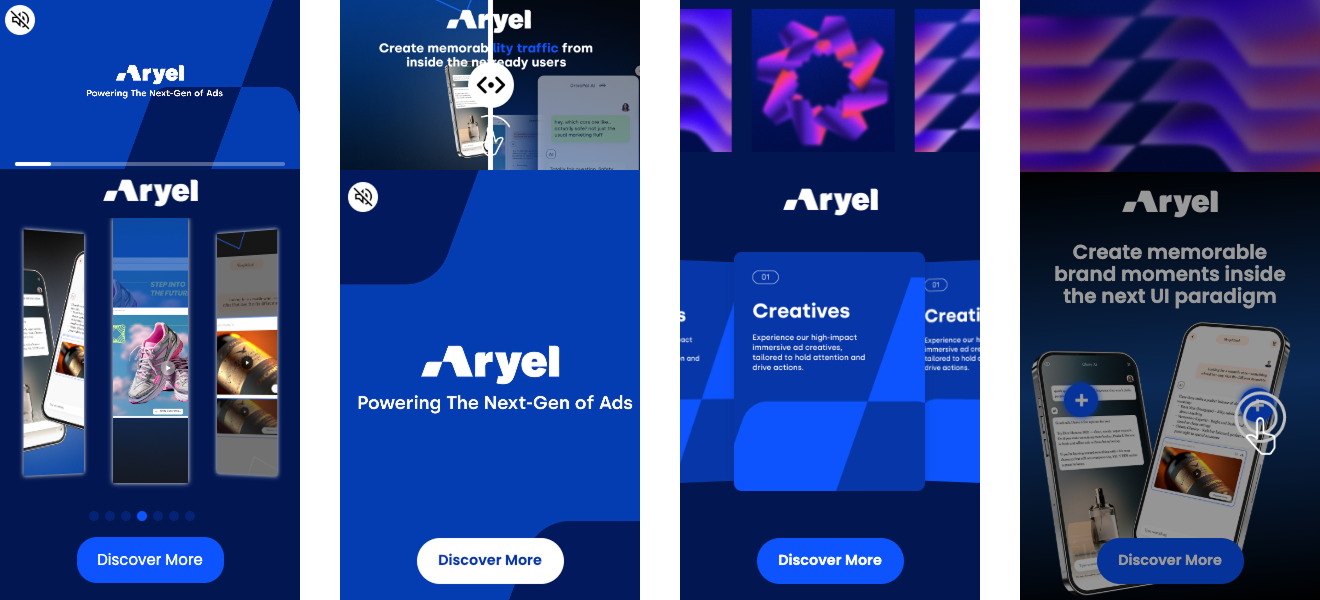
For many of the formats listed above, Split versions are also available. These layouts divide the ad unit into two distinct areas, where one section is dedicated to a specific component or a different asset type.
Available Splits: Video, Image, SideBySide, and Carousel.
Specifications: When using a Split version, the technical requirements (file formats, max file sizes, and asset counts) remain exactly the same as the corresponding standard templates described above.
Available Sizes: Please note that Split-Screen variants are exclusively available for the following high-impact dimensions: 300x600, 320x480, and 970x250.
Quick Check Before Uploading:
Dimensions: Ensure your assets exactly match the supported sizes listed above.
File Weight: If your file is too heavy, use a compression tool to stay under the limit.
Tracking: If you aren't using a 3rd-party provider, you can leave the tracking fields empty.